
Talkify
Beautiful and fastest way to do voice dictation on macOS




Showcase

Privacy
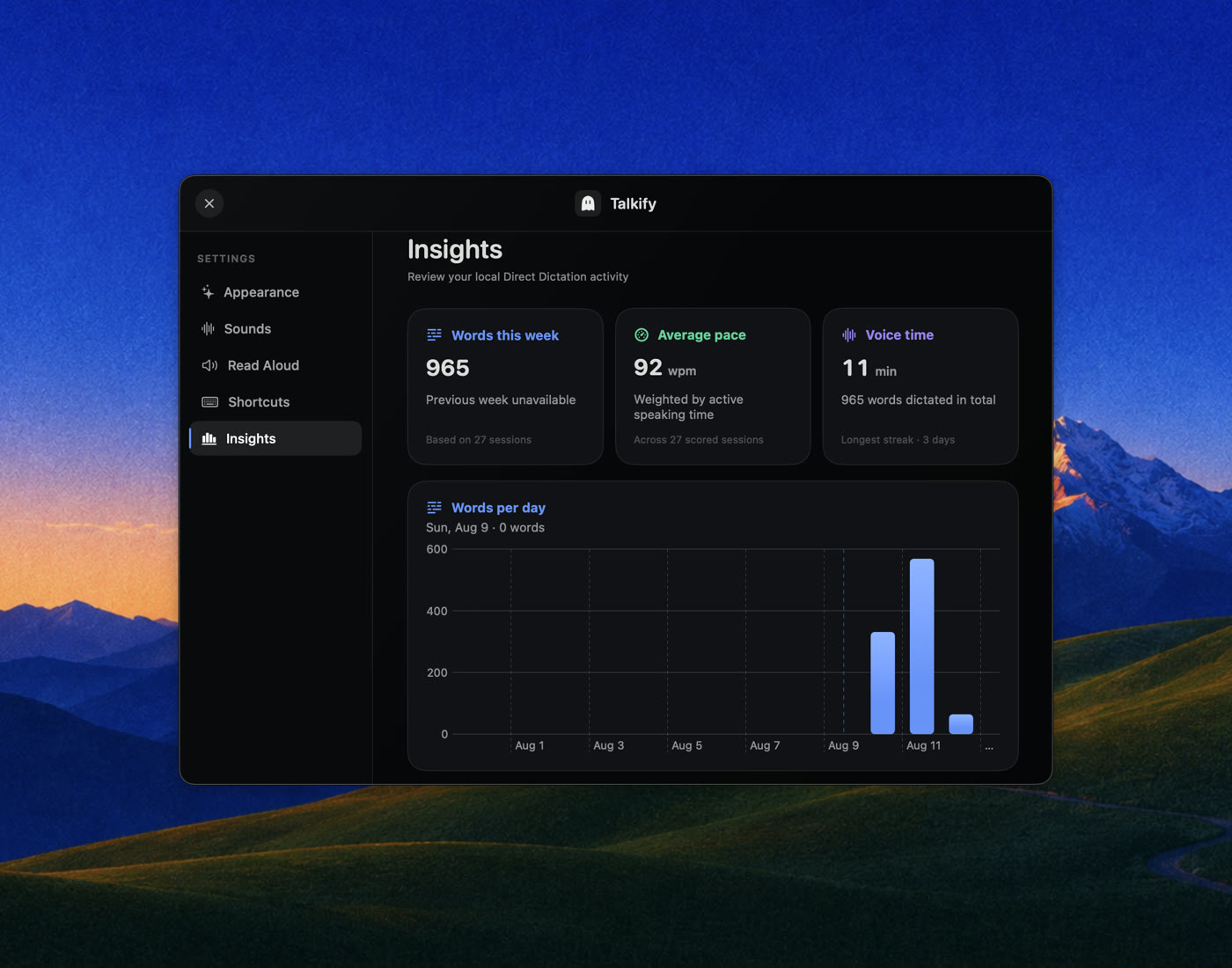
Everything is on-device: Apple's SpeechAnalyzer/SpeechTranscriber for recognition, AVSpeechSynthesizer for Read Aloud. Talkify makes no network requests, stores no audio, and keeps no history beyond the local usage metrics you can see in Insights.
Requirements
- macOS 26 (Tahoe) on Apple Silicon
Install
With Homebrew:
brew tap tornikegomareli/talkify https://github.com/tornikegomareli/Talkify
brew trust --tap tornikegomareli/talkify
brew install --cask talkify
Homebrew 6 refuses to load anything from a third-party tap until you trust it (Talkify will be verified cask after 100 stars), so the middle line is required. It is asking whether you trust this repository; read the cask first if you would rather check what it does.
Or grab Talkify.dmg from the latest release.
Build from source:
git clone https://github.com/tornikegomareli/Talkify.git
cd Talkify
open Talkify.xcodeproj   # ⌘R
Or headless:
xcodebuild -project Talkify.xcodeproj -scheme Talkify -configuration Debug build
Run the tests the same way CI does:
xcodebuild test -project Talkify.xcodeproj -scheme Talkify -destination 'platform=macOS'
Using it
| Action | Gesture |
|---|---|
| Dictate | Hold fn, speak, release |
| Hands-free session | Quick-tap fn, speak, tap again to finish |
| Dictate in your second language | Hold right ⌥ instead |
| Cancel mid-session | Esc |
| Read selected text aloud | ⌥ ⎋ (toggles; also in the menu) |
| Everything else | Menu bar ghost → Settings |
The trigger and the Read Aloud shortcut are rebindable in Settings → Shortcuts
Two languages, two keys
Pick a second language in Settings → Language and it gets its own key. Hold fn for English, hold right ⌥ for German, with no setting to change in between. Both keys are rebindable, and either can be the one you use most.
Apple Speech transcribes one language per session and offers no way to detect which language you are speaking, so Talkify does not guess. Guessing would mean transcribing first and inferring the language from the result, and in the wrong language that result is fluent nonsense rather than an error. A key per language is instant and never wrong.
Both languages stay loaded, so the second answers as fast as the first, and the notch shows a small tag naming the one that is listening. macOS ships 30 locales across German, English, Spanish, French, Italian, Japanese, Korean, Portuguese, Cantonese and Chinese; a language you have not used before downloads its model once, with progress shown in Settings and in the notch.
Architecture
Code is organized into folders, callbacks only flow one way from the main wiring point, and a pure reducer handles the state.
App/— composition root, settings store, status itemInput/— the global key event tap and recorded bindingsDictation/— the session machine (DictationSessionMachine, a pure tested reducer) and the speech/insertion servicesHUD/— geometry seams, the shell, the voice visuals, and all Metal shadersReadAloud/,Settings/,Insights/
CONTEXT.md is the domain doc, decisions live in docs/adr/
Roadmap
- Live Captions & Meeting Transcripts — ephemeral captions from a selected app's audio (Chrome, YouTube, meeting apps), and the saved, timestamped transcript as a separate action. The domain design already lives in
CONTEXT.md; the recognition pipeline is ready for non-microphone audio. - Text cleanup — optional on-device polishing of dictated text (fillers, punctuation) once the raw-insertion core is benchmarked. Version 1 deliberately inserts exactly what you said.
- Snippets — saved text blocks inserted by a spoken trigger word: say your trigger mid-dictation and the whole block lands instead.