
[](https://github.com/DotHarness/dotcraft/releases)
[](./LICENSE)
[](https://github.com/DotHarness/dotcraft/releases)
[](https://github.com/DotHarness/dotcraft/discussions)
[中文](./README_ZH.md) · [Documentation](https://www.dotcraft.net/) · [Quick Start](https://www.dotcraft.net/getting-started) · [Releases](https://github.com/DotHarness/dotcraft/releases) · [License](./LICENSE)
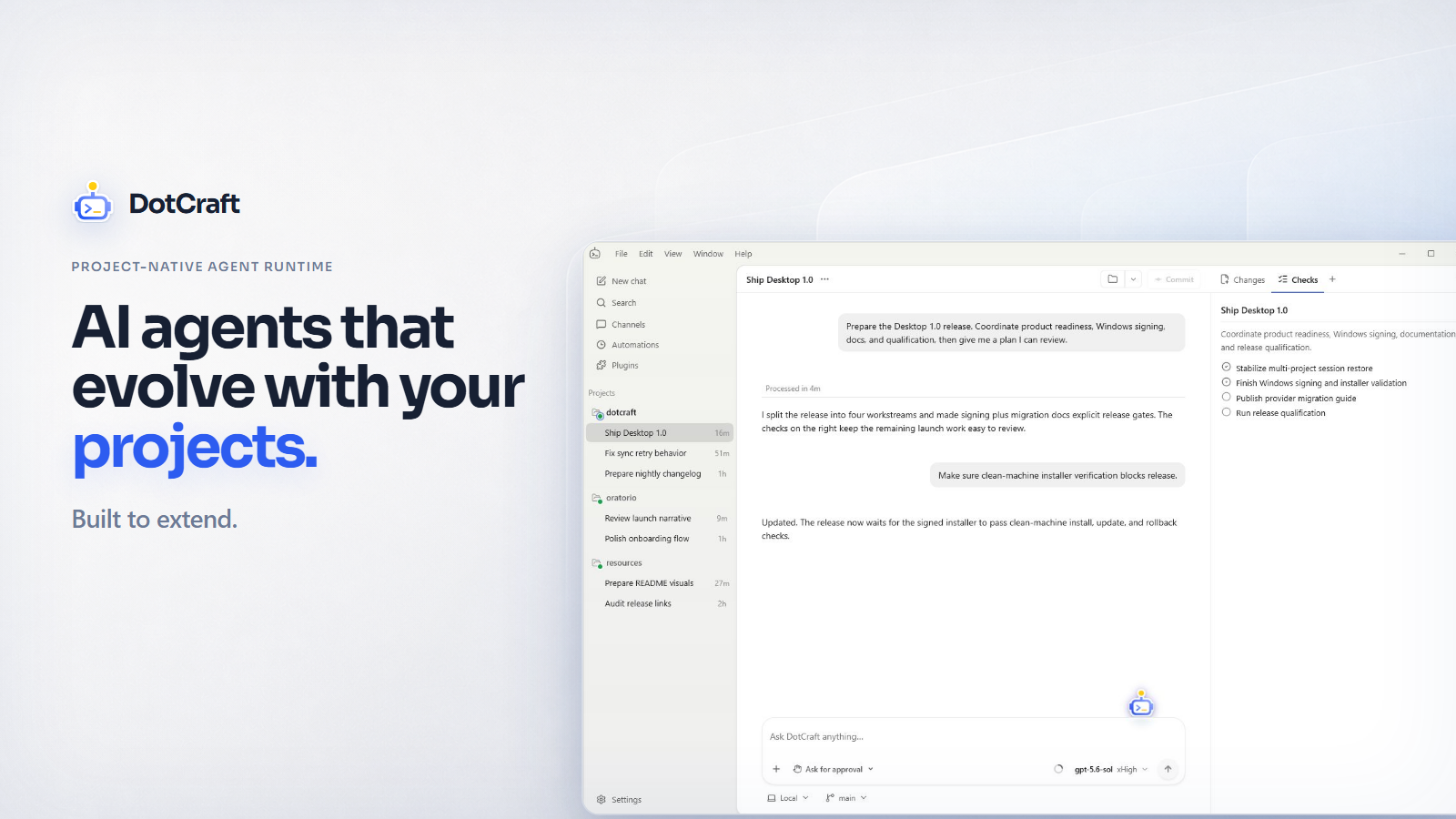
DotCraft is an open-source, self-hosted, and embeddable **project-native AI agent
runtime** built with C#/.NET.
Why DotCraft?
DotCraft turns projects into extensible environments for AI agents.
- Modern agent capabilities, ready to use: Plan, Subagents, Agent Teams, Automations, Goals, Dreams, Dynamic Workflows, and more are built in.
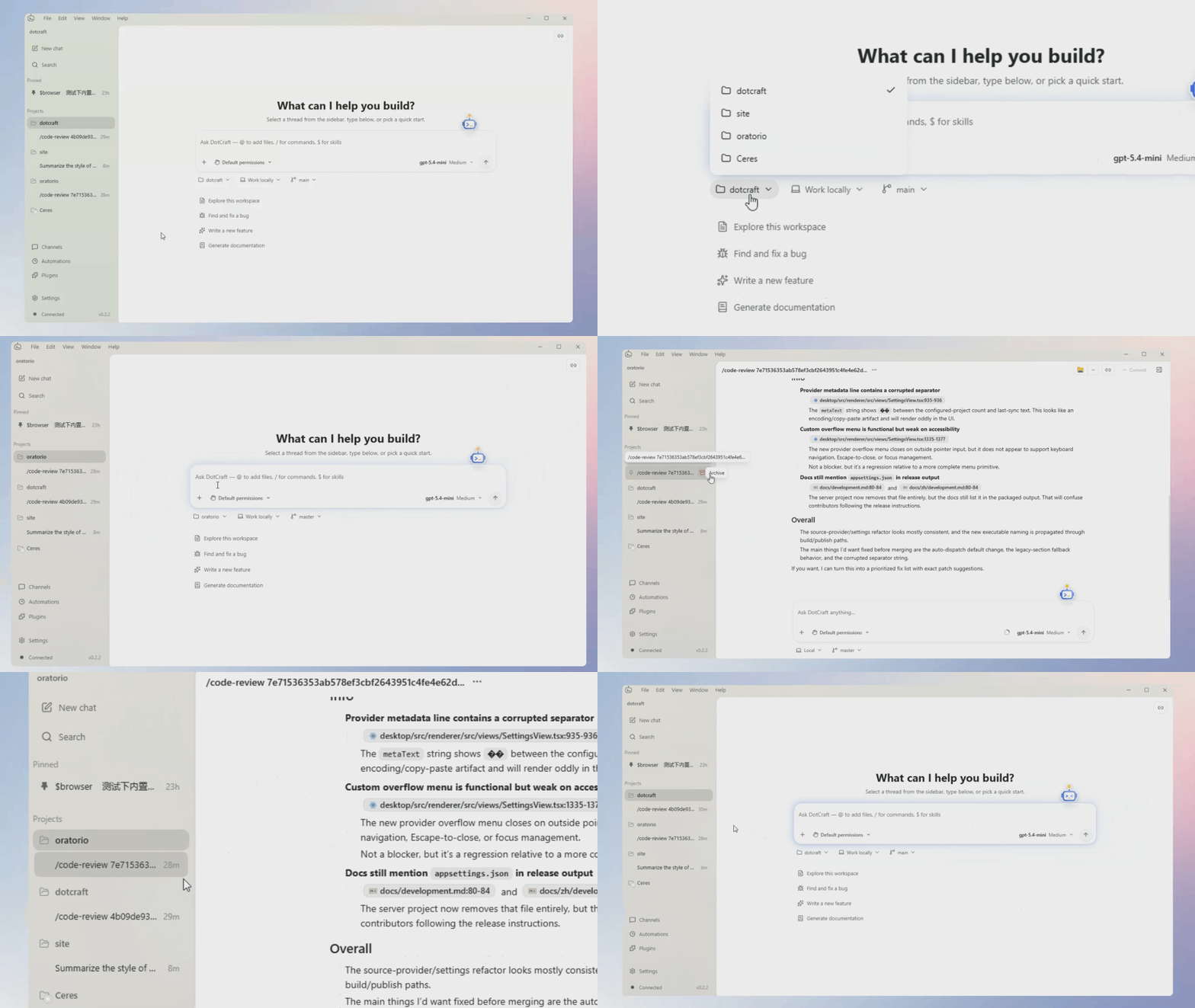
- Your work travels with the project: Conversations, memory, agents, skills, and plugins move with the project, so you can switch entry points and keep going.
- Lower token costs: DotCraft maximizes prefix cache reuse, and Subagents can reuse the parent session's cache.
- Run it your way: Run DotCraft locally or on your own server and choose a compatible model provider.
- A complete Agent Harness for .NET: Bring complete agent capabilities into the .NET applications you already build, from desktop tools to services and automation.
- Easy to integrate with existing products: APIs, SDKs, App Binding, plugins, and Desktop Extensions bring DotCraft directly into existing applications.
Quick start
Desktop
- Download the latest build from GitHub Releases.
- Open a real project folder as a workspace.
- Configure a supported OpenAI, Anthropic provider or sign in with a ChatGPT subscription.
CLI
macOS / Linux:
curl -fsSL https://www.dotcraft.net/install.sh | bash
Windows PowerShell:
irm https://www.dotcraft.net/install.ps1 | iex
See Getting Started for the complete guide.
Contributing
Start with CONTRIBUTING.md.
Credits
Inspired by nanobot, codex and agent-framework.
Special thanks to:
- HKUDS/nanobot
- openai/codex
- microsoft/agent-framework
- alibaba/OpenSandbox
- modelcontextprotocol/csharp-sdk
- openai/symphony
License
Apache License 2.0