
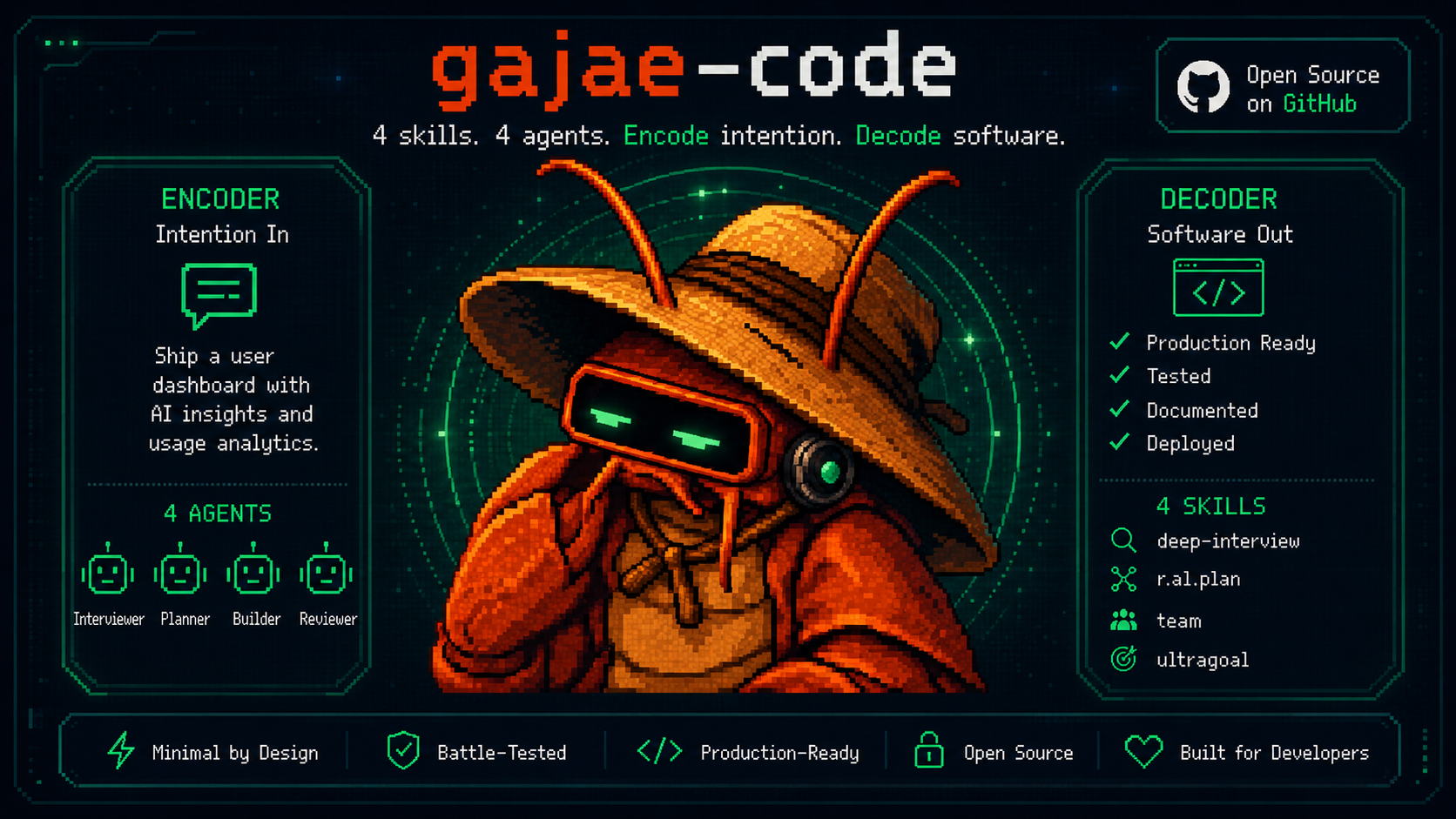
G A J A E - C O D E
Encode intention. Decode software.
The coding agent that runs on the plan you already pay for — and answers to your phone.



Quick Start · Why · Coding Plans · Phone · Workflow · Token Diet · Controllers · Docs
Log in with the subscription you already have, plan before a single file mutates, execute with evidence — and answer the agent's questions from your terminal, your phone, or your own bot.
Gajae-Code (gjc) is an external coding-agent harness: drop it into any repository or worktree. No separate API billing. No per-token anxiety. No terminal babysitting.
Gajae-Code is an experimental, beta-stage project. Expect rough edges and verify outputs before relying on it for important work.
Why Gajae-Code?
Most coding agents fail on three fronts: they bill you twice, they mutate before they understand, and they go silent the moment you step away from the keyboard.
| Problem | What Happens | Gajae-Code Fix |
|---|---|---|
| Separate API billing | You pay for a plan and per-token API costs | /login with the coding plan you already pay for — Claude, Codex, Cursor, Copilot, OpenCode Go, GOAT, ClinePass, and more |
| Code-first agents | The agent edits before it understands; you rework | Plan-gated workflow: interview → plan → critique → then mutate, with approval gates |
| Terminal-bound sessions | Agent asks a question at 2 AM; work stalls until morning | Questions route to Telegram/Discord/Slack; you answer from anywhere |
| Context bloat | Whole-file reads and log floods burn the window | Structural summaries, artifact spill, cache-aware routing, compaction |
Quick Start
Install — prebuilt binaries for Linux (x64/arm64), macOS (arm64/x64), and Windows (x64); the npm/Bun path works everywhere:
bun install -g gajae-code
gjc
First use — pick your plan and go:
/login                       pick a provider / coding plan
/skill:deep-interview        clarify ambiguous requirements
/skill:ralplan               build and critique the plan
gjc ultragoal create-goals --brief-file <approved-plan>
Run modes:
gjc                                # run in the current checkout
gjc --tmux                         # tmux-backed leader session
gjc --tmux --worktree my-task      # isolated worktree for risky work
gjc @screenshot.png "What should I change?"   # image input
Nightly channel: bun install -g gajae-code@nightly. Full install matrix, Windows setup, update channels, and shell completion: docs/install.md.
Bring your coding plan
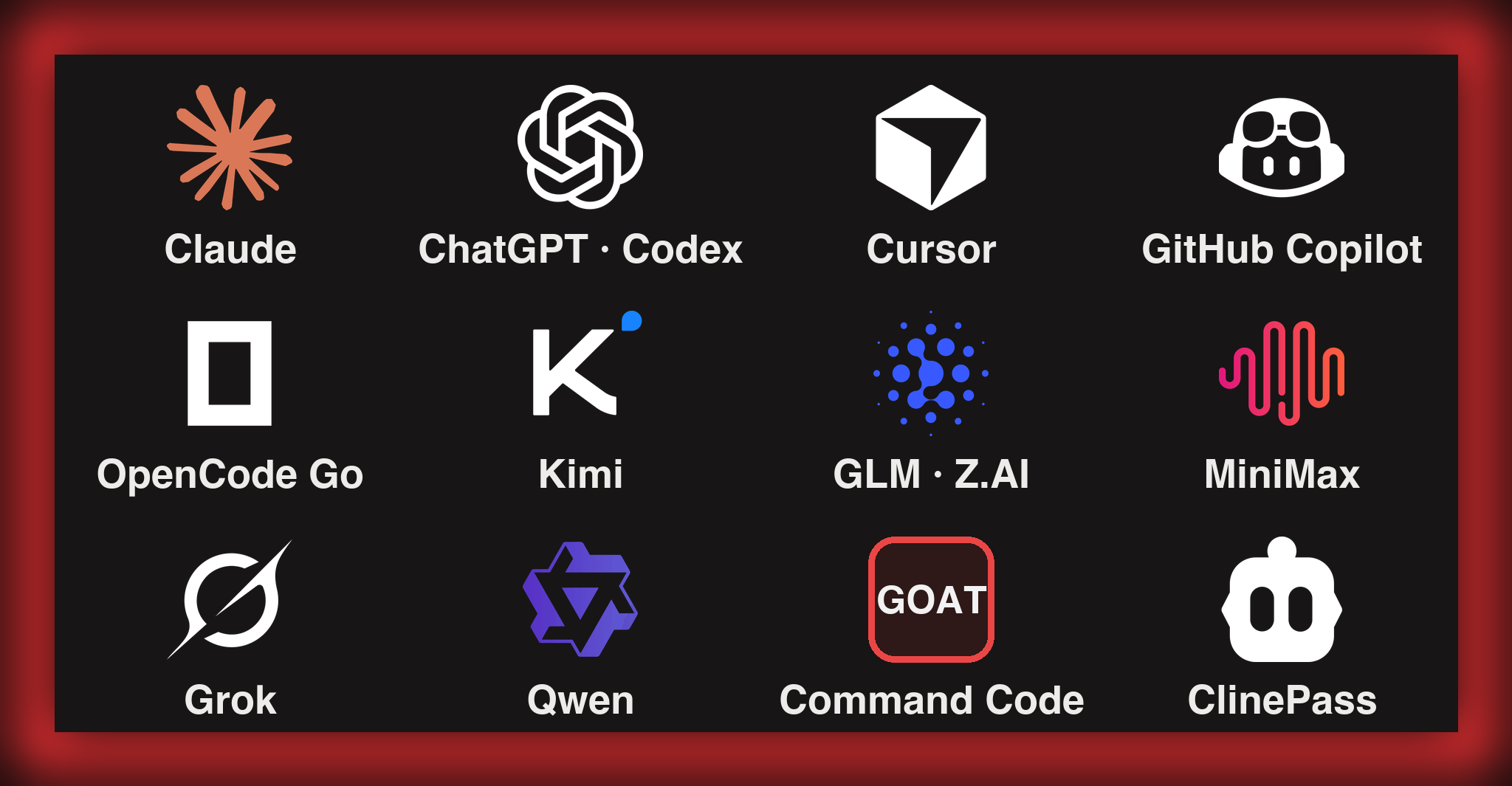
Log in once and run GJC on the subscription you already pay for. Run /login inside a session and pick your plan:
| Plan / subscription | OAuth login |
|---|---|
| Claude Pro / Max | anthropic |
| ChatGPT Plus / Pro (Codex) | openai-codex (browser) · openai-codex-device (headless) |
| Cursor | cursor |
| GitHub Copilot | github-copilot |
| OpenCode Zen / OpenCode Go | opencode-zen · opencode-go |
| Kimi Code / Coding Plan / Moonshot | kimi-code · moonshot |
| Z.AI GLM Coding Plan | zai |
| MiniMax Coding Plan (Intl / CN) | minimax-code · minimax-code-cn |
| xAI (Grok) | xai |
| Alibaba Token Plan / Qwen Portal | alibaba-token-plan · qwen-portal |
More OAuth plans — Google Gemini CLI, GitLab Duo, Perplexity Pro/Max, Fire Pass, Xiaomi Token Plan — are covered in docs/models.md.
New: coding-plan presets
Key-based coding plans onboard with one command — the preset writes the API type, base URL, env var, compatibility flags, and a live model catalog together, so new models show up without a GJC update:
gjc setup provider --preset commandcode-goat   # Command Code GOAT plan (CMD_API_KEY)
gjc setup provider --preset cline-pass         # ClinePass (CLINE_API_KEY)
- Command Code GOAT — pulls the provider's live
/modelscatalog;claude-*models route through native Anthropic Messages, everything else through Chat Completions. Aliases:commandcode,goat. - ClinePass — no hardcoded models; GJC fetches Cline's live catalog the same way Cline generates its own. Aliases:
clinepass,cline. - Also available as presets:
minimax,minimax-cn,glm,alibaba-token-plan— or/provider add --preset <name>inside the TUI.
Answer from your phone
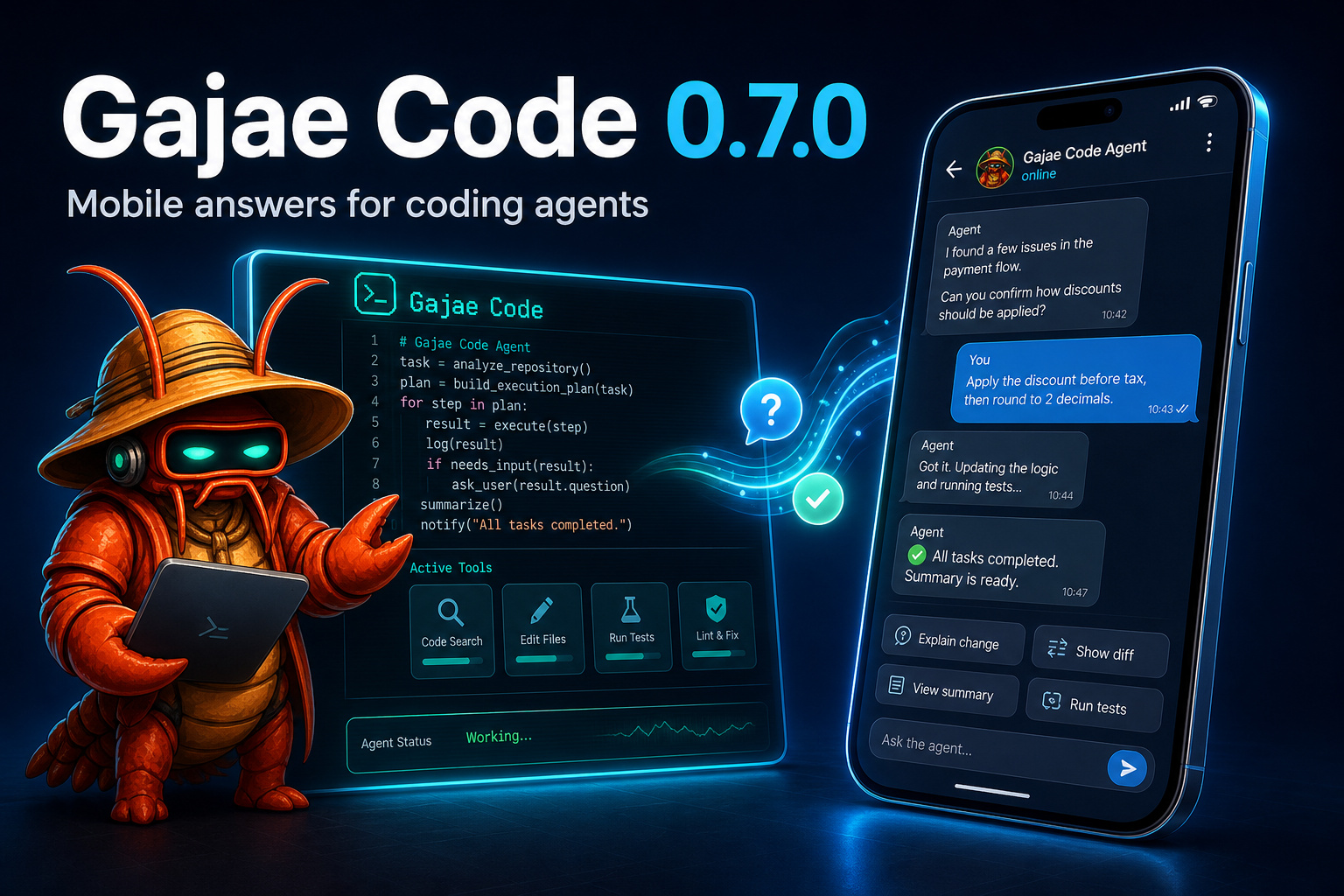
When the agent needs a decision, it pings you on Telegram — and you answer from anywhere:
- Per-session forum topics with live/finalized output, context updates, image attachments, inline buttons, free-text replies, and typing indicators.
- Configure once from
/settings→ Notifications in a running session, or headless viagjc notify setup|status|health|test|recovery. Tokens are masked on entry and never displayed again. gjc daemonkeeps one safe long-poll owner per bot token, so new sessions attach cleanly without Telegram 409 conflicts.- Discord and Slack delivery ship alongside; the generic
action_needed/replyprotocol lets any bot or mobile app route answers back without terminal scraping.
Telegram onboarding · Discord · Slack
Plan before mutation
A deliberately small workflow surface — four skills, four role agents, nothing else:
deep-interview -> ralplan -> ultragoal
                         └─ optional team execution when parallel tmux workers help
| Surface | What it does |
|---|---|
deep-interview |
Turns vague requests into concrete requirements. |
ralplan |
Builds and critiques the implementation plan before code changes. |
ultragoal |
Tracks goals through execution, revision, verification, and evidence. |
team |
Coordinates tmux-backed workers when parallelism is worth it. |
executor / architect / planner / critic |
Bundled role agents for implementation and read-only review lanes. |
Also included, opt-in: gjc rlm (a Jupyter-style research/REPL mode that synthesizes a notebook and report) and computer-use (experimental desktop control). See Python REPL and docs/tools/computer.md.
Theme defaults
The default dark TUI identity is the GJC red-claw theme; light-appearance terminals default to the bundled blue-crab theme. Explicit theme settings still take precedence.
Spend fewer tokens
GJC optimizes both sides of the token bill:
- Cache hits — per-provider
cacheRetentioncontrol; Anthropic defaults to long (1h) cache retention because short caches are fragile for long agent runs; provider ranking prefers cheapcacheReadpaths; opt-in session-affinity headers let OpenAI-compatible relays reuse server-side prompt caches. - Context savings — file reads return structural summaries instead of whole files; oversized shell output is minimized and spilled to retrievable
artifact://references instead of flooding the context; compaction and branch summaries keep long sessions inside the window without losing prior work.
Cache retention & provider compat · Compaction & branch summaries
Let OpenClaw / Hermes drive GJC
GJC ships a native Coordinator MCP bridge, so an external controller like OpenClaw or Hermes orchestrates real GJC sessions through durable turns — never terminal scraping.
Don't read a guide — paste this prompt into your OpenClaw/Hermes controller and let it wire itself up:
Copy-paste controller setup promptSet up Gajae-Code (gjc) as your coding-agent backend on this machine. gjc is already installed.
1. Render and install the coordinator MCP setup package (replace the paths):
gjc setup hermes --root <ABS_REPO_PATH> --profile <PROFILE_NAME> --repo <REPO_NAME> \
--mutation sessions,questions,reports --profile-dir <YOUR_PROFILE_DIR> --install
Without --install the command is render-only; re-run with --install to write files.
2. Verify the contract (non-mutating, no LLM call). Both must report ok:
gjc setup hermes --root <ABS_REPO_PATH> --smoke
gjc mcp-serve coordinator --check --json
3. Register the MCP server from the installed config. It is equivalent to:
command: gjc, args: ["mcp-serve", "coordinator"]
env: GJC_COORDINATOR_MCP_WORKDIR_ROOTS=<ABS_REPO_PATH>,
GJC_COORDINATOR_MCP_PROFILE=<PROFILE_NAME>,
GJC_COORDINATOR_MCP_REPO=<REPO_NAME>,
GJC_COORDINATOR_MCP_SESSION_COMMAND="gjc --worktree",
GJC_COORDINATOR_MCP_MUTATIONS=sessions,questions,reports
4. To delegate coding work, prefer one call per workflow:
gjc_delegate_plan / gjc_delegate_execute / gjc_delegate_team
with { cwd, task, allow_mutation: true, idempotency_key: <fresh-uuid> }.
Each starts an isolated worktree session and returns a durable turn_id and artifacts.
5. For finer control: gjc_coordinator_start_session -> gjc_coordinator_send_prompt ->
poll gjc_coordinator_read_turn or bounded gjc_coordinator_await_turn ->
answer gjc_coordinator_list_questions rows via gjc_coordinator_submit_question_answer ->
close with gjc_coordinator_report_status.
Rules: every mutating call needs allow_mutation: true plus a fresh idempotency_key.
Treat durable turn state as authoritative; never scrape terminal output.
The session command selector accepts only "gjc" or "gjc --worktree [name]".
For a controller that drives one live session directly, every session also exposes a loopback SDK WebSocket endpoint, the gjc sdk session CLI (list|inspect|send|status|tail), and the bundled sdk-skills/ (gjc-sdk-discover · gjc-sdk-operate · gjc-sdk-author) — reviewed, approval-gated procedures any controller-hosted agent can follow.
- External controller integration guide · Coordinator MCP bridge
- External controller / bot — provider-independent smokes;
docs/aside-integration.mdcovers the opt-in search/context sidecar - SDK & wire protocol · SDK session CLI · External-control readiness
Documentation
Start at gajae-code.com or docs/:
- Install & updates · Environment variables · Keybindings · Themes
- Models & providers · Custom providers & multi-account routing · Multi-vendor profiles · Auth broker
- Telegram · Bot integration · SDK · SDK session CLI
- Sessions · Compaction · Memory · Secrets
- Codebase overview · Contributing / dev setup
- macOS Option/Alt key setup (iTerm2) · GEO visibility benchmark
The default dark TUI identity is the GJC red-claw theme; light-appearance terminals default to the bundled blue-crab theme. See Themes to swap or build your own.
SDK extensions
- gjc-remote — control allowlisted GJC sessions on remote hosts from Discord.
- oh-my-gajae-code — community plugin marketplace for extra skills and slash commands.
- GJC multivendor setup guide — role-based provider profiles for multivendor setups.
Development
bun install
bun run build:native
bun run dev:link       # global `gjc` runs this checkout's source
bun run dev:doctor     # verify the link
See CONTRIBUTING.md and docs/codebase-overview.md for the package map and gates.
Contributors & lineage
Thanks to Yeachan-Heo, IYENTeam, HaD0Yun, and probepark. GJC builds on lessons from a small family of agent harnesses; historical attribution lives in NOTICE.md.
License
MIT. See LICENSE.
"Encode intention. Decode software."
The plan comes first. The mutation earns its place.