
Facet
🌐 English · Français · Deutsch · Italiano · Español · Português
Facet is a local photo-analysis and culling engine. It scores each image across 9 dimensions — from aesthetic quality to face sharpness — then lets you browse, cull, and organize through a web gallery. Everything runs on your machine; no cloud, accounts, or API keys.





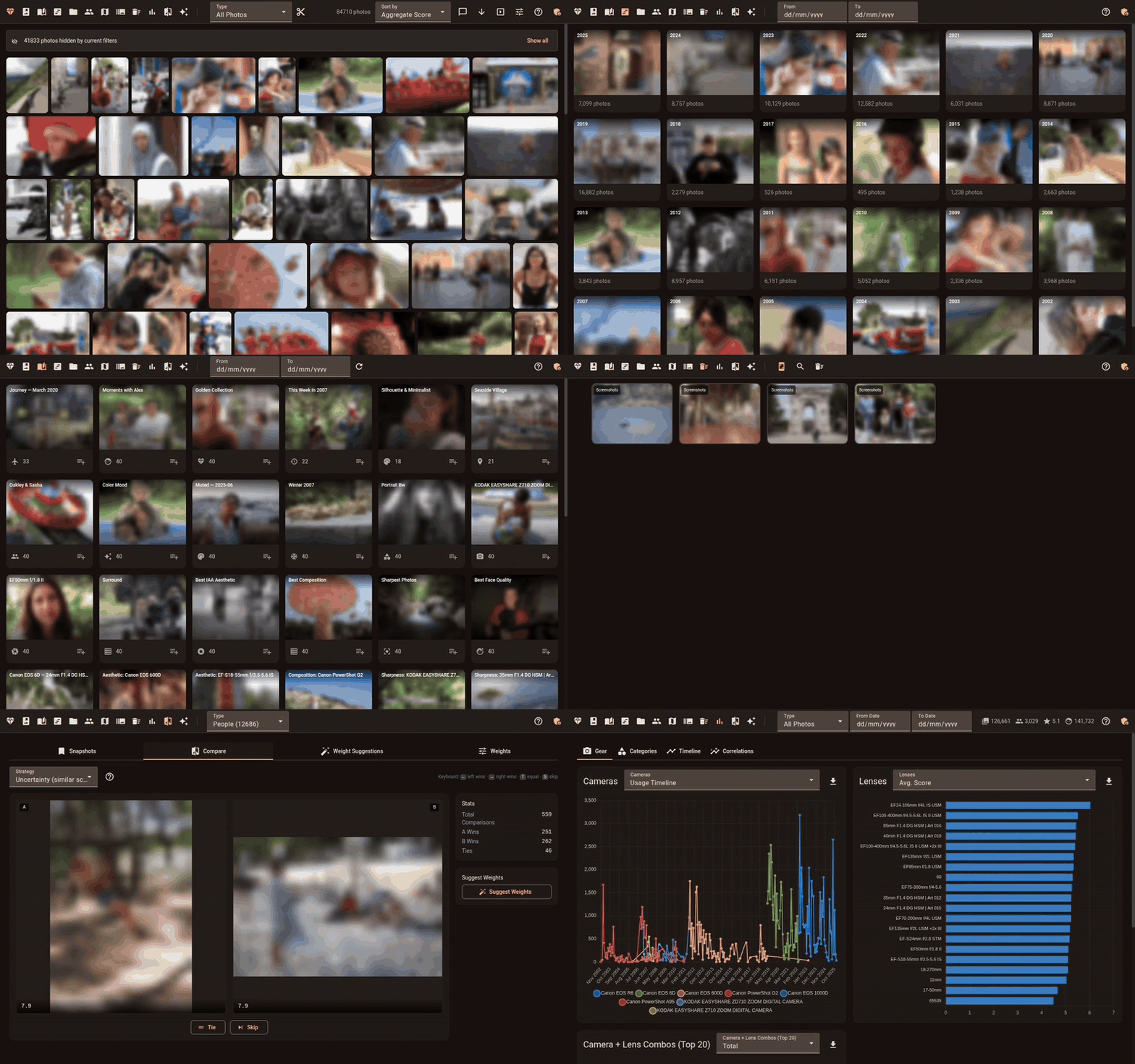
How It Works
- Scan — Point Facet at a folder of photos. Each image is analyzed for quality, composition, and faces. Supports JPG, HEIF/HEIC, and 10 RAW formats (CR2, CR3, NEF, ARW, RAF, RW2, DNG, ORF, SRW, PEF).
- Browse — Open the web gallery to explore your library with filters, search, and multiple view modes.
- Cull — Facet detects bursts, flags blinks, groups similar photos, and surfaces top picks.
GPU is auto-detected and optional. Facet runs CPU-only or with up to 24 GB VRAM.
Features
Score
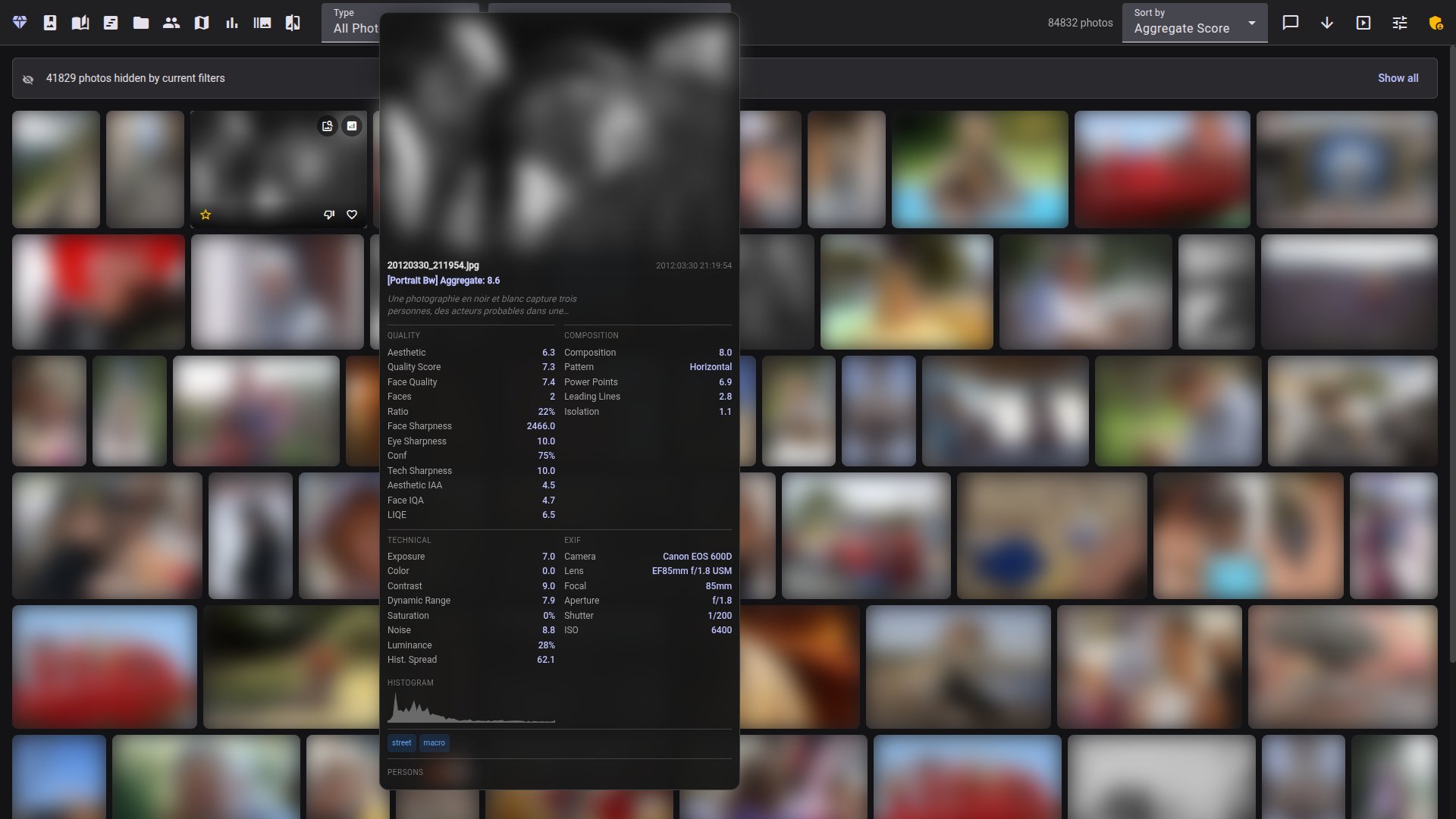
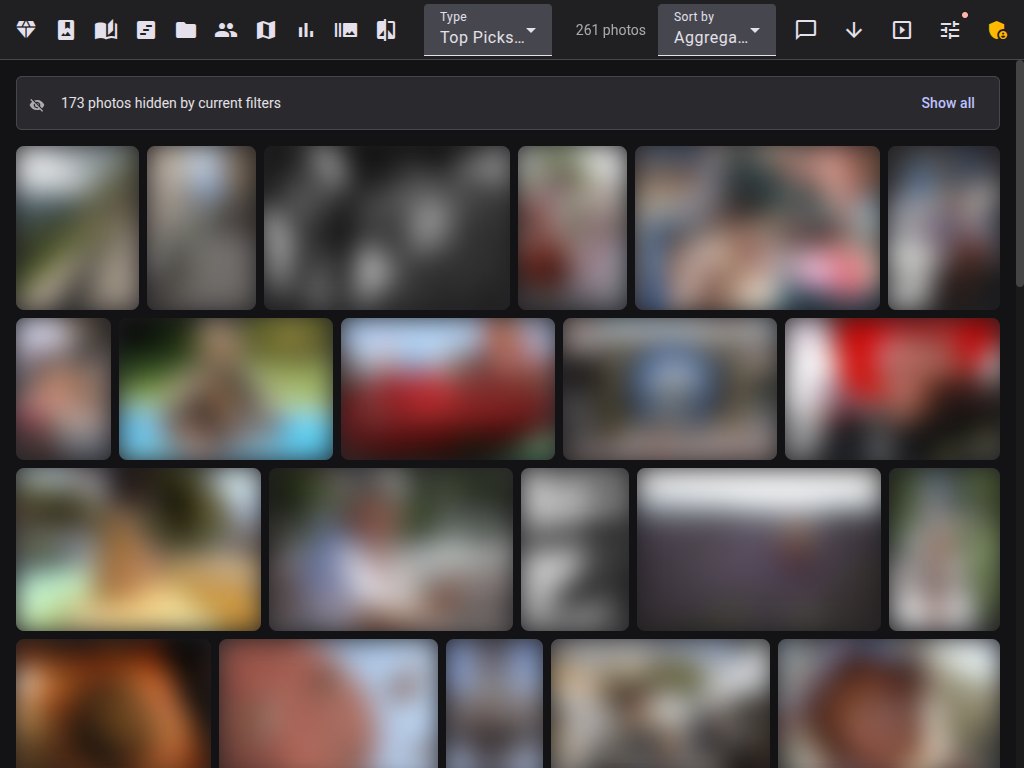
Each photo is scored across 9 dimensions: aesthetic quality, composition, face quality, eye sharpness, technical sharpness, color, exposure, subject saliency, and dynamic range. Photos are categorized by content (portrait, landscape, macro, street, etc. — 30+ categories) and scored with category-specific weights. A Top Picks filter ranks the library by a combined score.
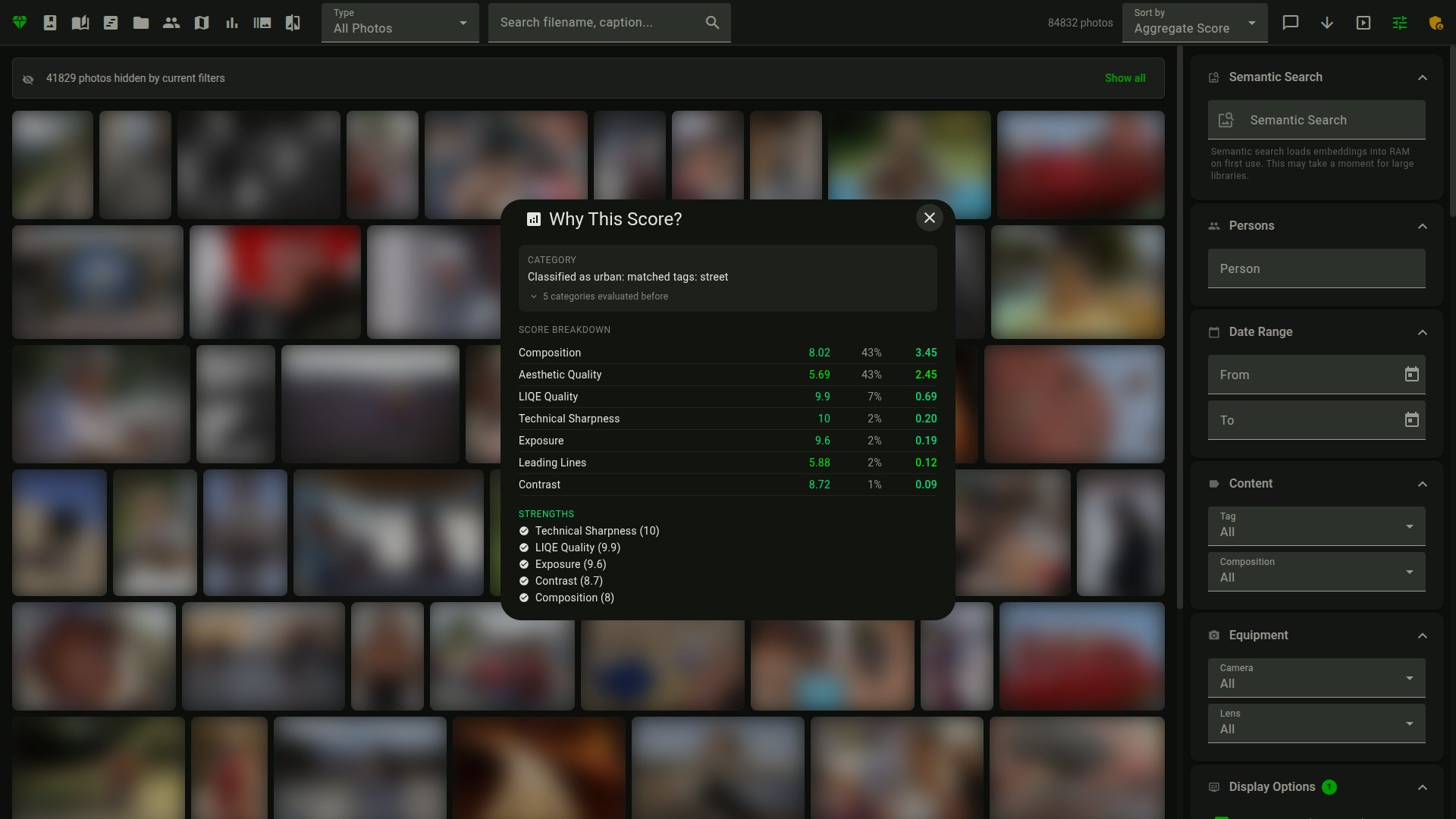
Hover over any photo for a tooltip with the score breakdown and EXIF data.
Cull
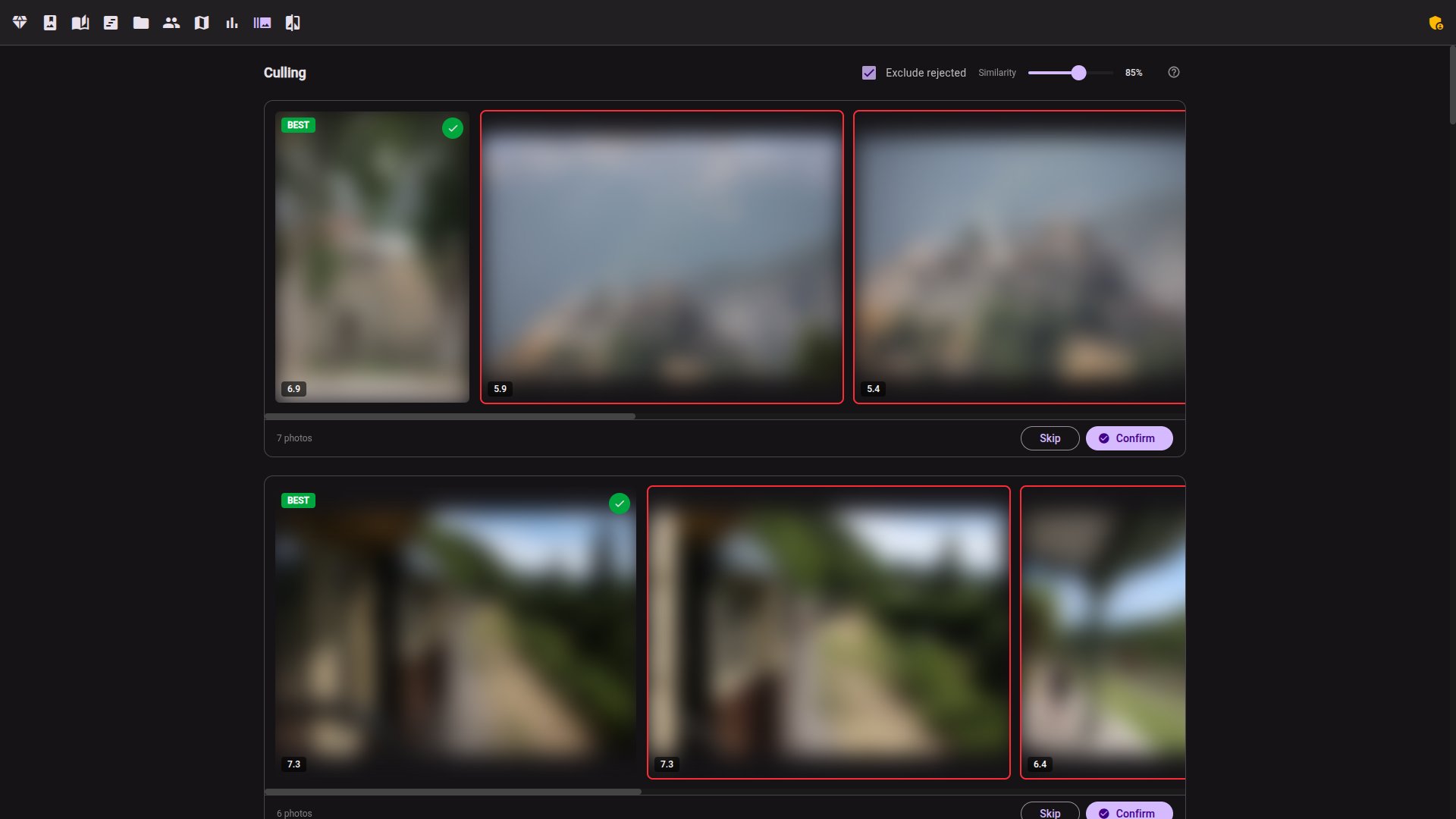
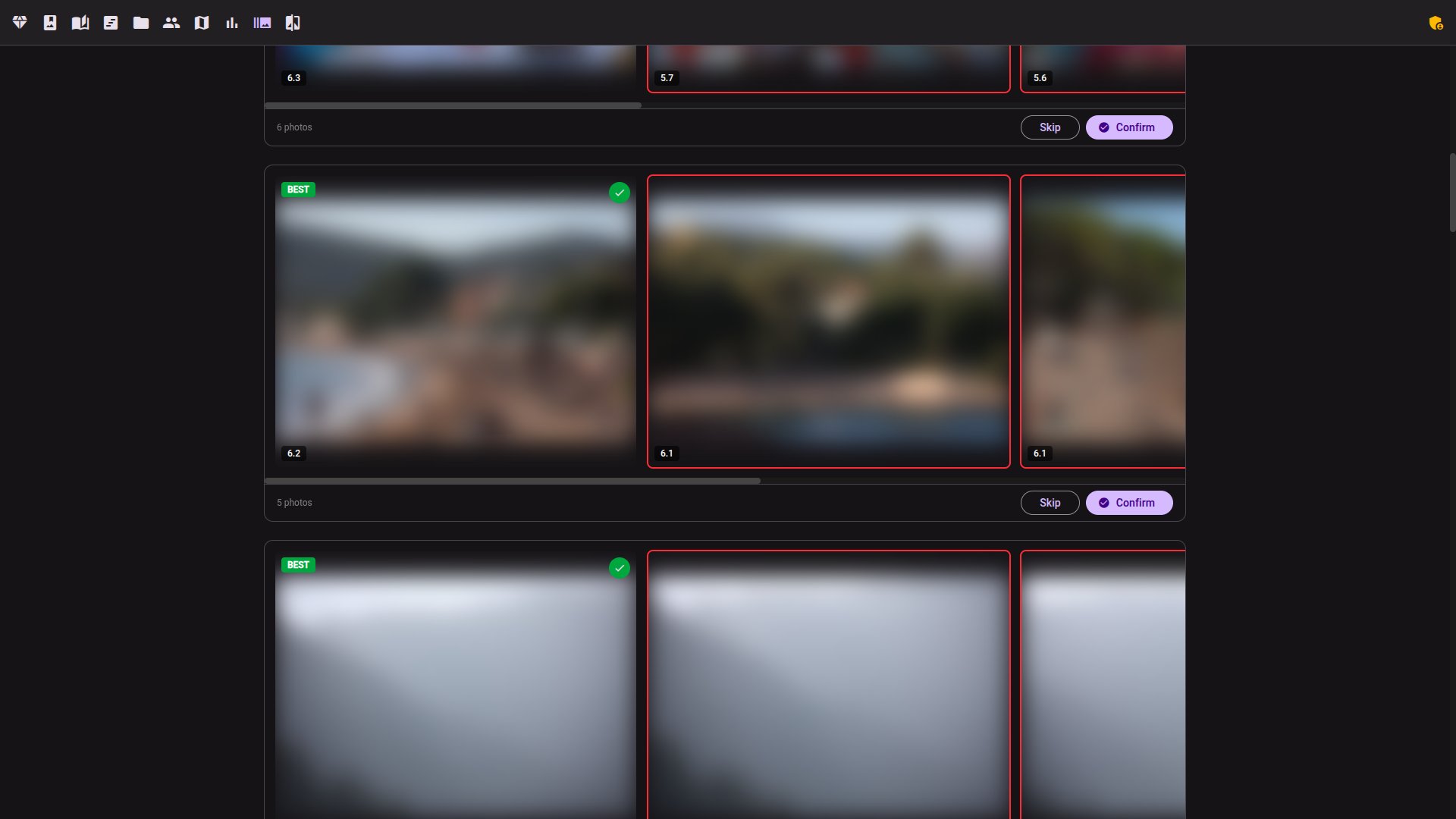
- Burst detection — groups rapid-fire shots and auto-selects the best one based on sharpness, quality, and blink detection
- Similarity groups — finds visually similar photos across the library, regardless of when they were taken
- Scenes — groups a shoot into chronological "scenes" by capture-time gaps, so you cull in story order; tap to mark and confirm to reject
- Auto-cull — one button culls a whole scope (all groups, or bursts / similars / scenes only, optionally narrowed to an album or date window) with a dry-run preview, a keeper budget, and an optional Highlights album
- Genre profiles — sports / wedding / concert / wildlife presets bundle strictness, keeper budget, similarity threshold and face gates in a single pick
- Edited-look preview
[Edition]— render a photo through a named darktable style inside the culling darkroom, so you cull on the developed look instead of the flat RAW preview - Subject close-ups — no-face groups (wildlife, macro, product) compare by an auto-cropped subject strip with group-normalized sharpness badges
- Junk sweep — zero-shot detection of non-photo clutter (screenshots, documents, receipts, memes, slides) with a fast review queue: keep or reject each candidate, or reject all at once
- Per-face culling badges — the culling lightbox shows per-face eyes open/closed, expression, and detection-confidence badges, not just a single photo-level blink flag; optional MediaPipe blendshapes sharpen the eyes/smile reads
- Blink detection — flags closed-eye shots to hide or reject in one click
- Duplicate detection — identifies near-identical images via perceptual hashing
 |
 |
Browse
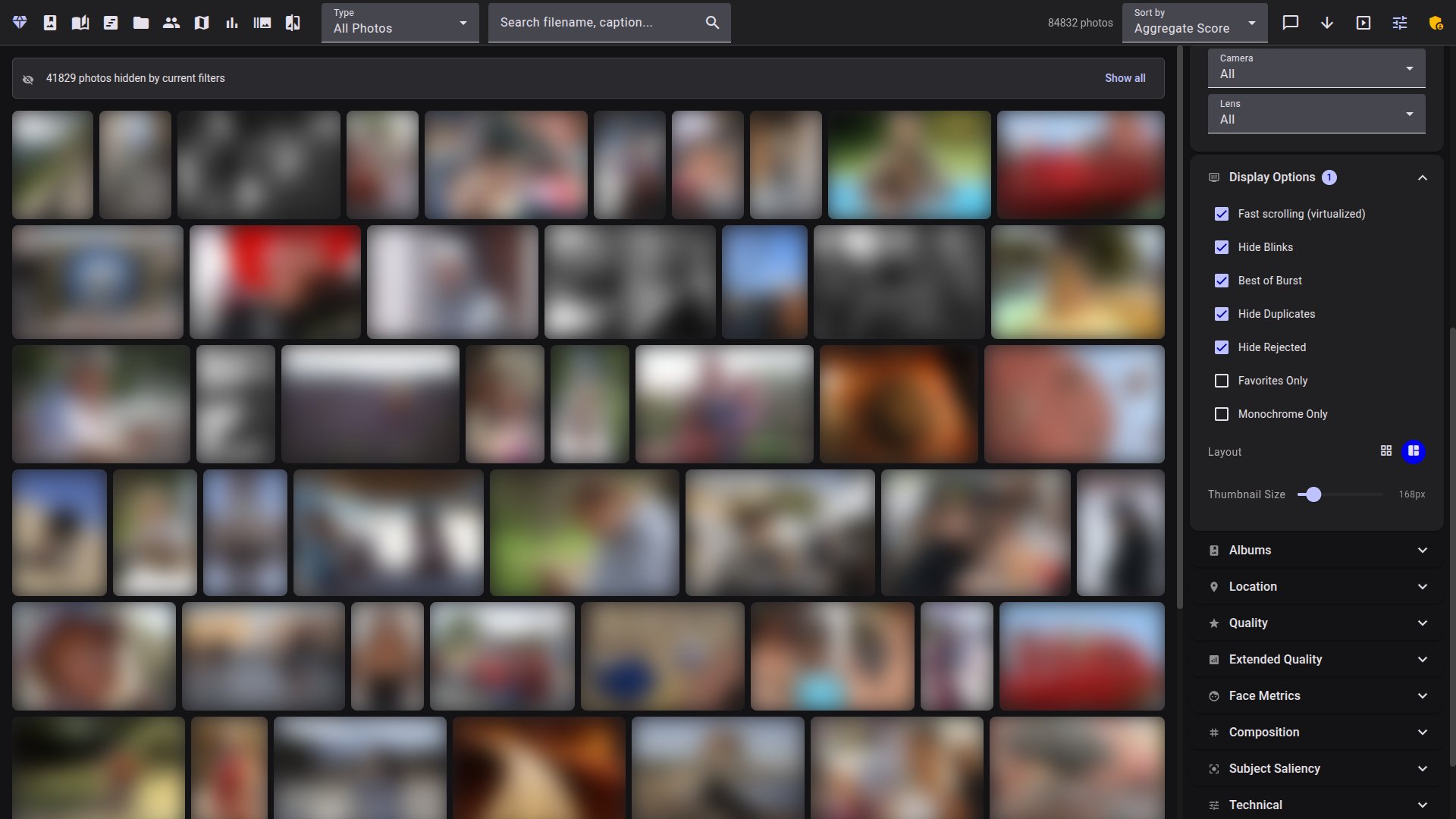
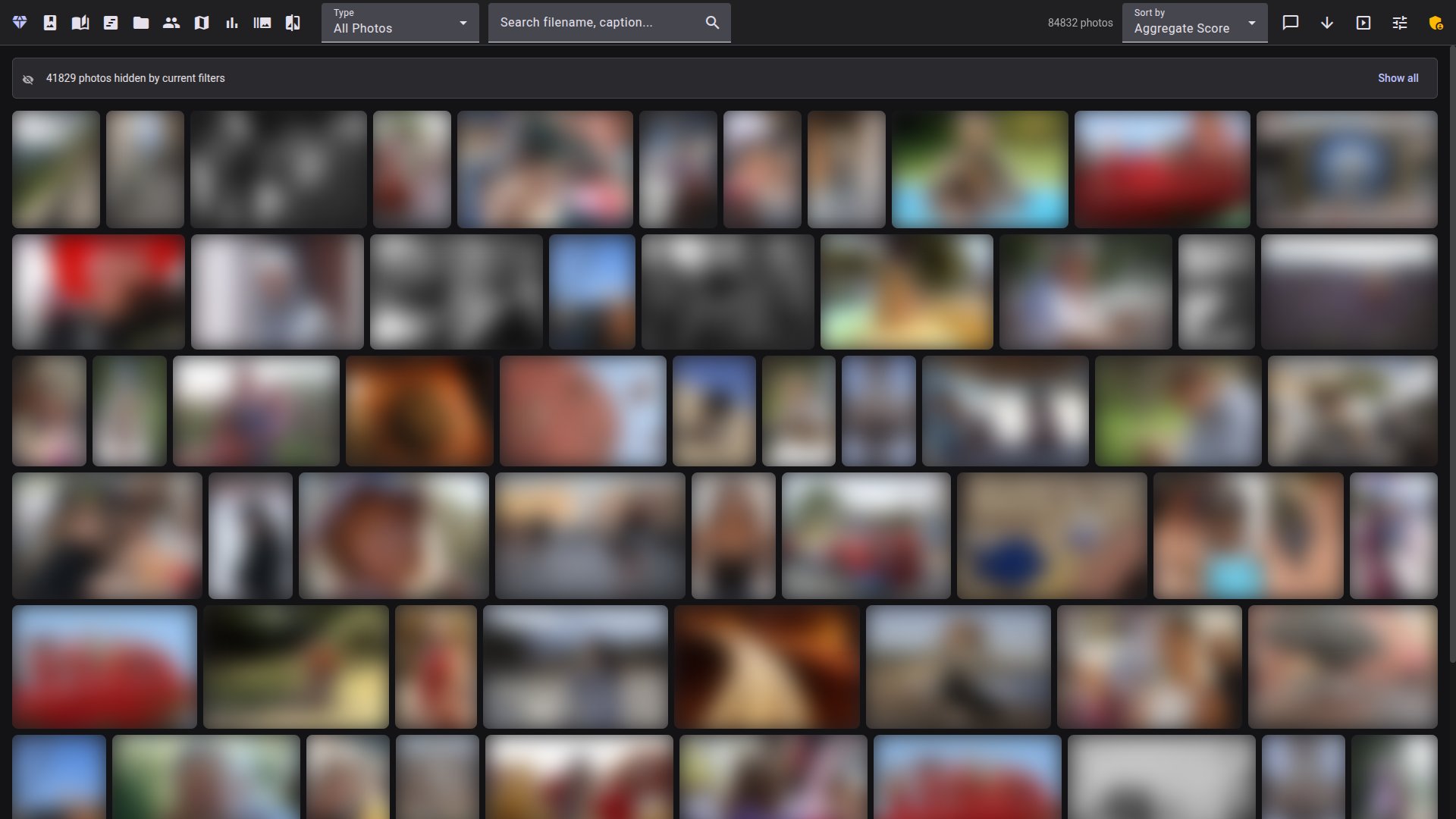
- Gallery modes — mosaic (justified rows preserving aspect ratios) and grid (uniform cards with metadata overlay)
- Filters — date range, content tag, composition pattern, camera, lens, person, folder, quality level, star rating, and custom metric ranges
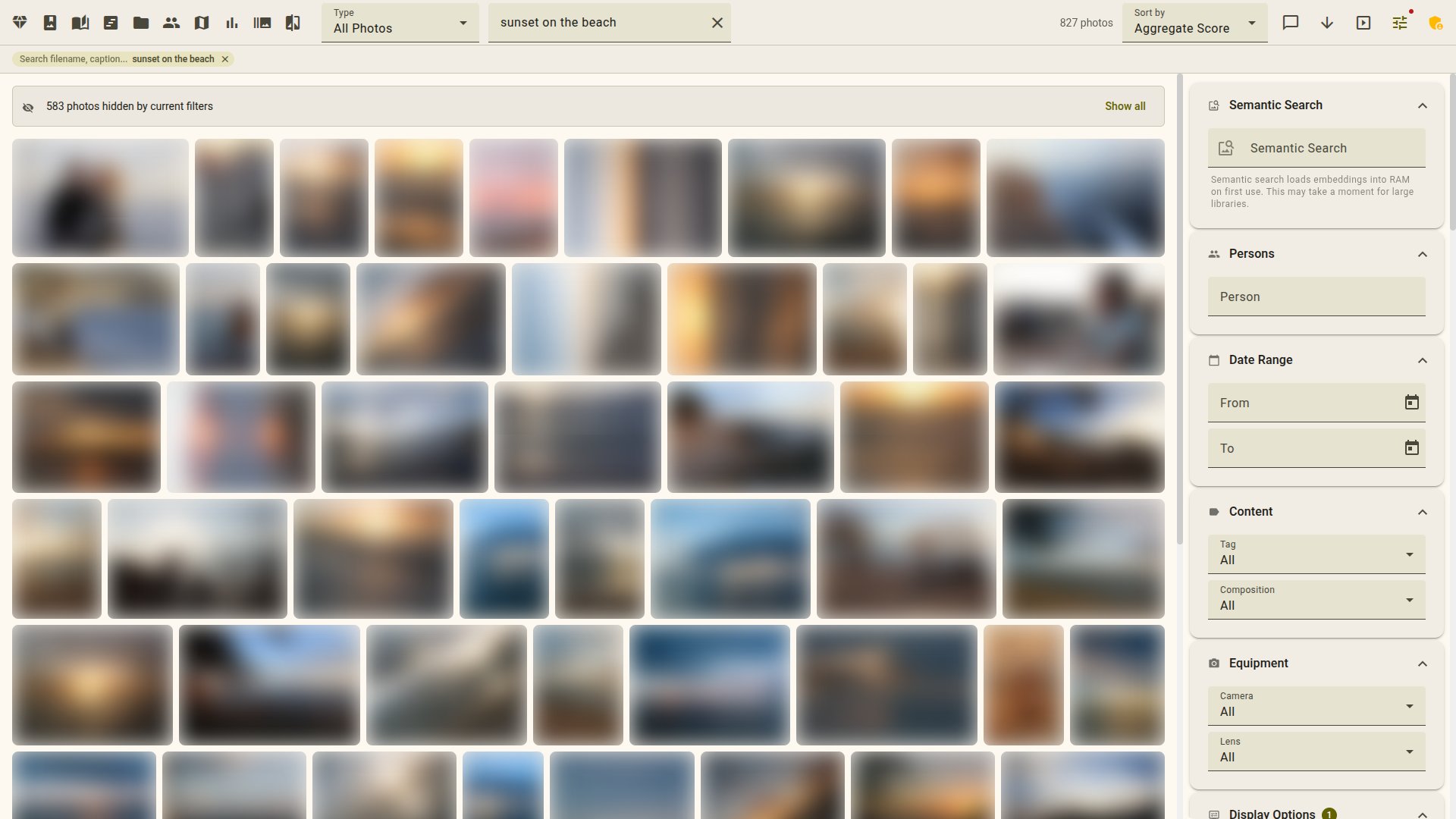
- Semantic search — type a natural-language query like "sunset on the beach" and find matching photos via embedding and text search
- Timeline — chronological browser with year/month navigation and infinite scroll
- Map — geotagged photos on an interactive map with marker clustering
- Capsules — themed slideshows: journeys with place names, golden collection, seasonal palettes, photos of a person, and more
- Folders — browse by directory structure with breadcrumb navigation and cover photos
- Narrative moments — zero-shot scene/activity labels (beach, celebration, concert, …) name your scenes, filter and sort the gallery, and feed capsule selection
- Memories — "On This Day": photos from the same date in previous years
- Slideshow — full-screen mode with themed transitions, auto-chaining between capsules, and keyboard controls
 |
 |

Workflow tips:
- For chronological review across a trip or year, open /timeline — sort by aggregate to walk a day's best shots, or page month-by-month.
- The /capsules view generates themed diaporamas (journeys, "Faces of", seasonal, golden) you can save as albums.
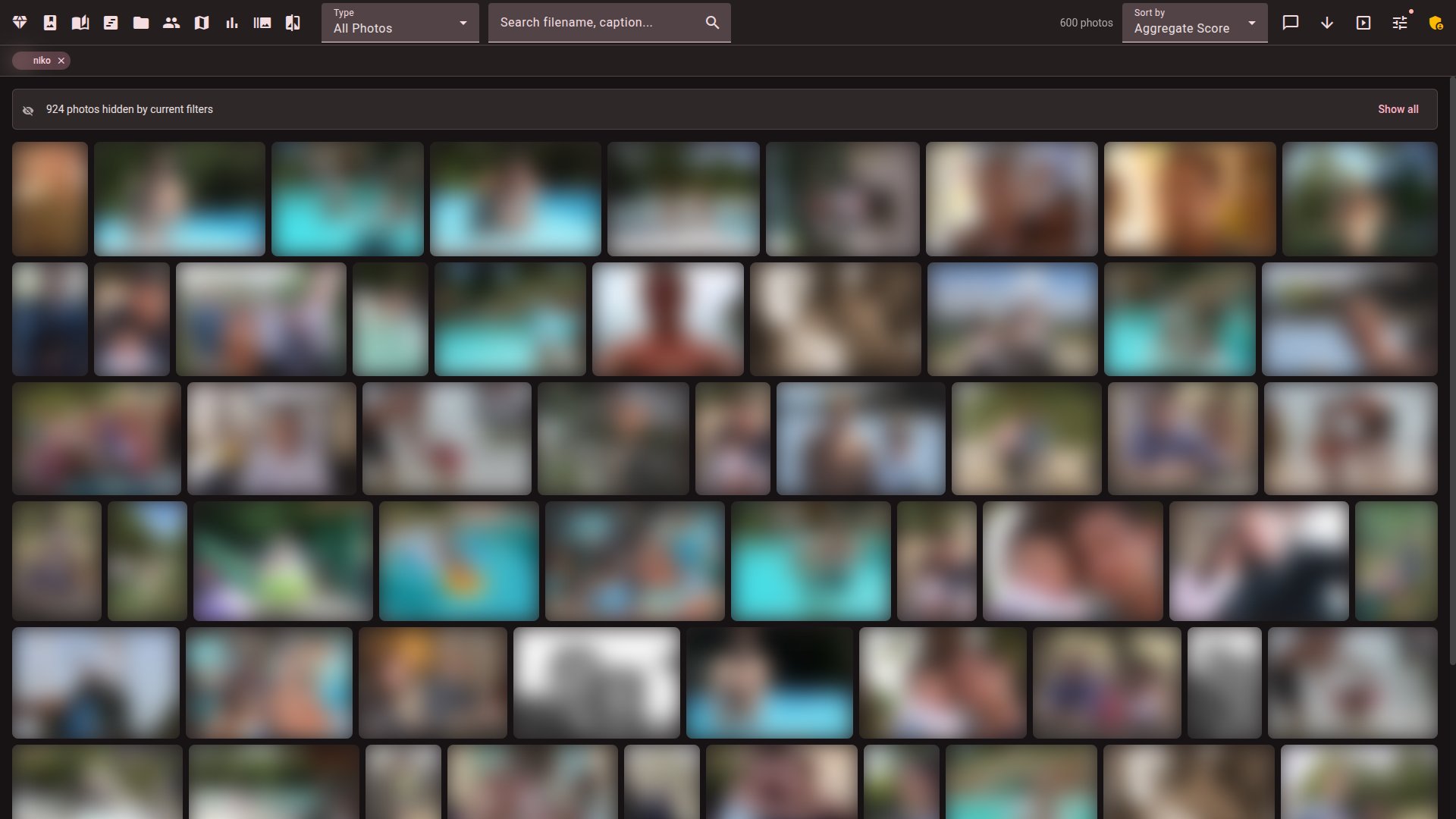
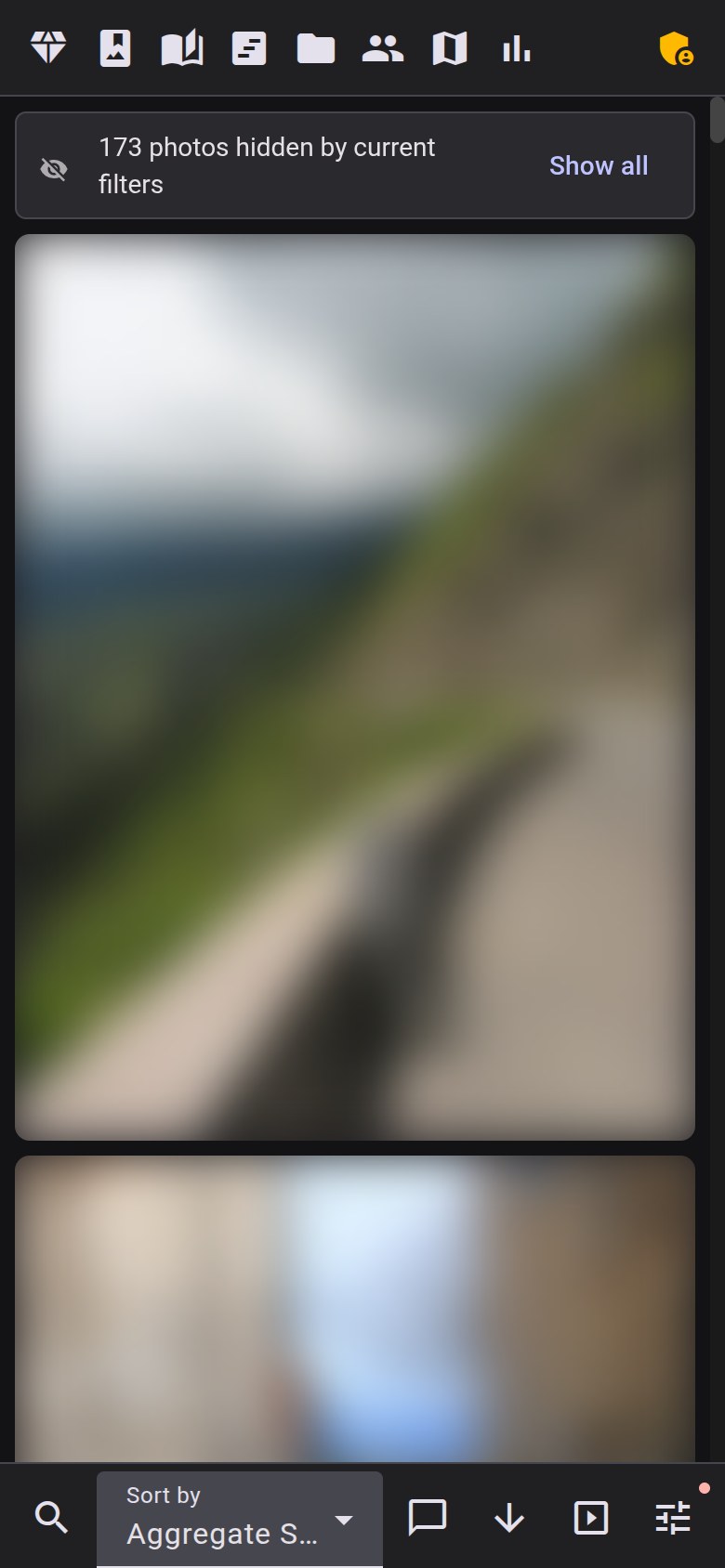
- The gallery hides blinks, non-lead bursts, and duplicates by default. When the "N photos hidden by current filters" banner appears, click "Show all" to expand the view.
Organize
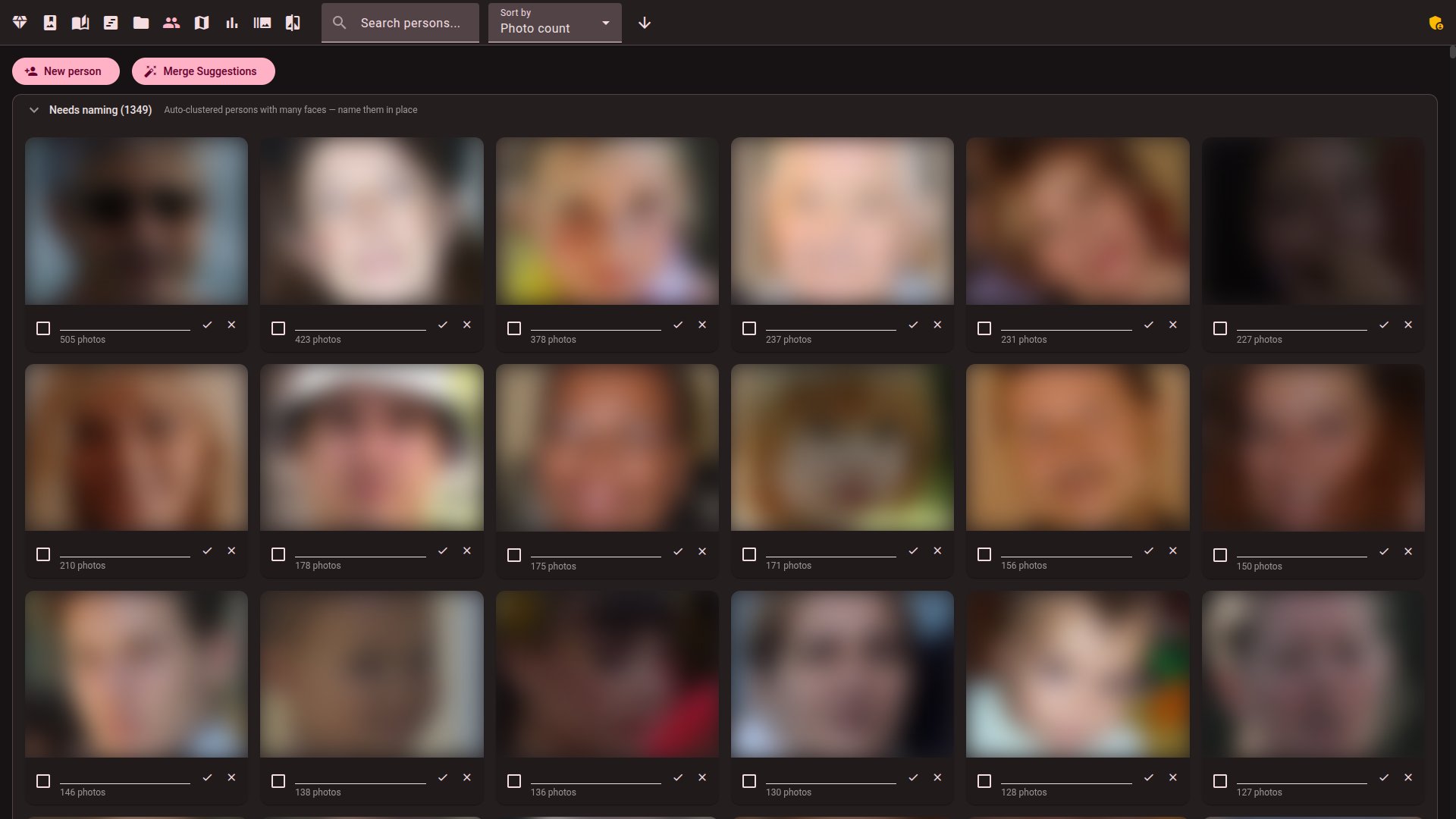
- Face recognition — automatic face detection, grouping into persons, and blink detection. Search, rename, merge, and organize person clusters from the management UI. Merge suggestions find similar-looking clusters that may be the same person.
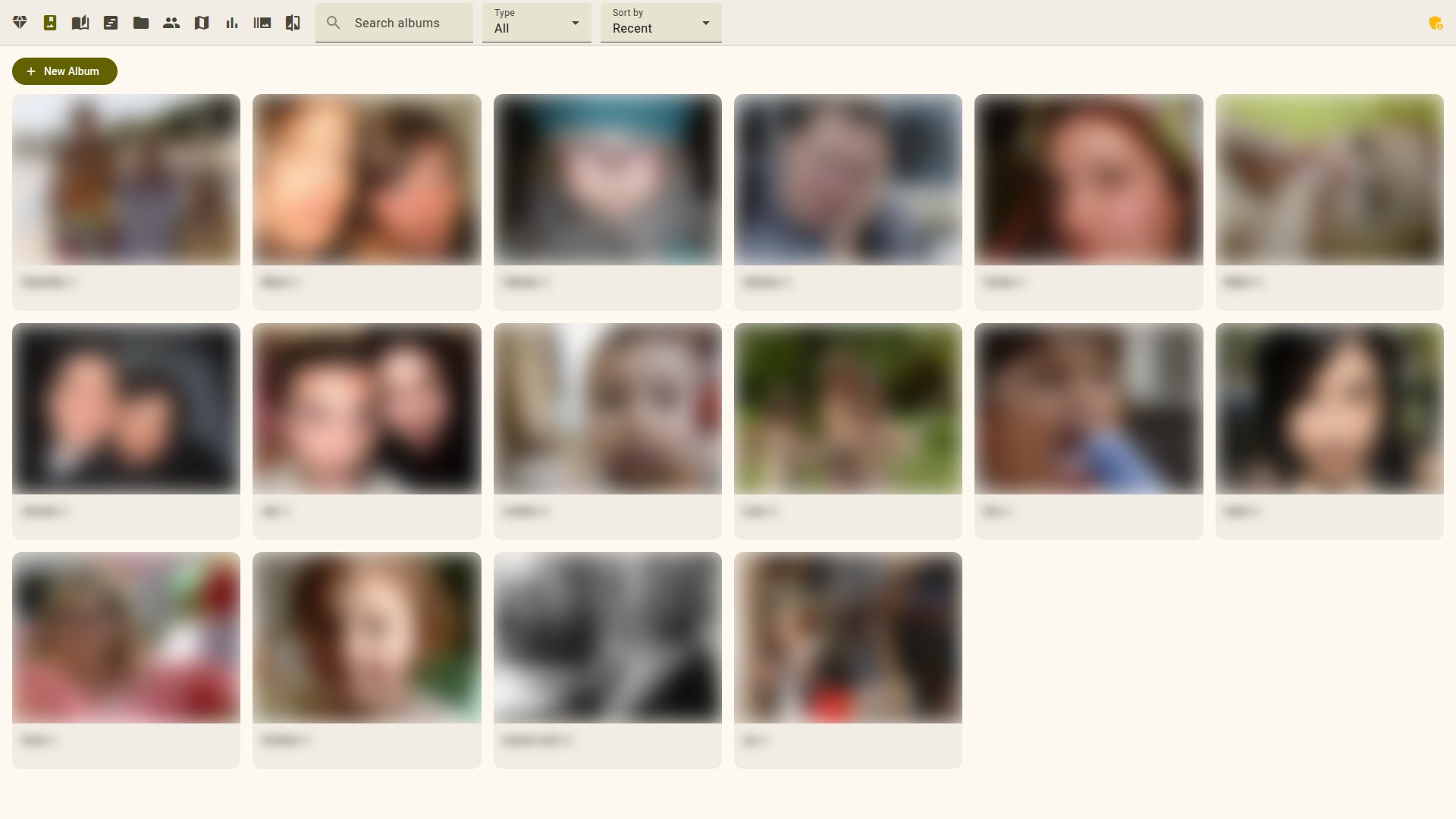
- Albums — manual collections with drag-and-drop, or smart albums that auto-populate from saved filter combinations
- Ratings & favorites — star ratings (1–5), favorites, and reject flags. Cycle through ratings with a single click.
- Tags — AI-generated content tags with configurable vocabulary. Click any tag to filter the gallery.
- Batch operations — multi-select with Shift+click, Ctrl+click, or Ctrl+A (select all). Set ratings, toggle favorites, mark rejects, or add to albums in bulk — with a 7-second undo for every batch action.
- Keyboard-first — arrow keys navigate the gallery, Enter opens, Space selects; press
?anywhere for the shortcut reference.
 |
 |
Understand
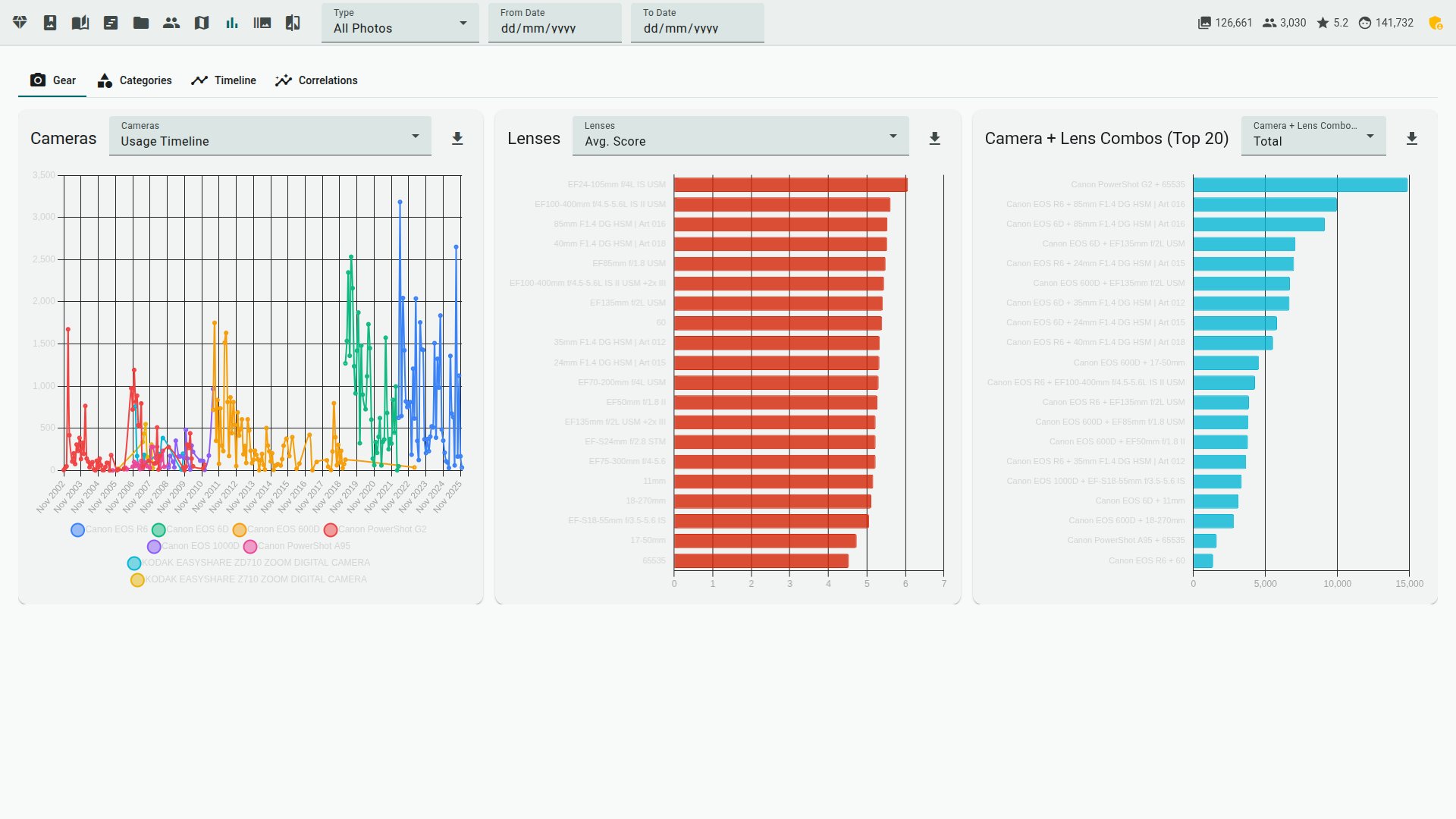
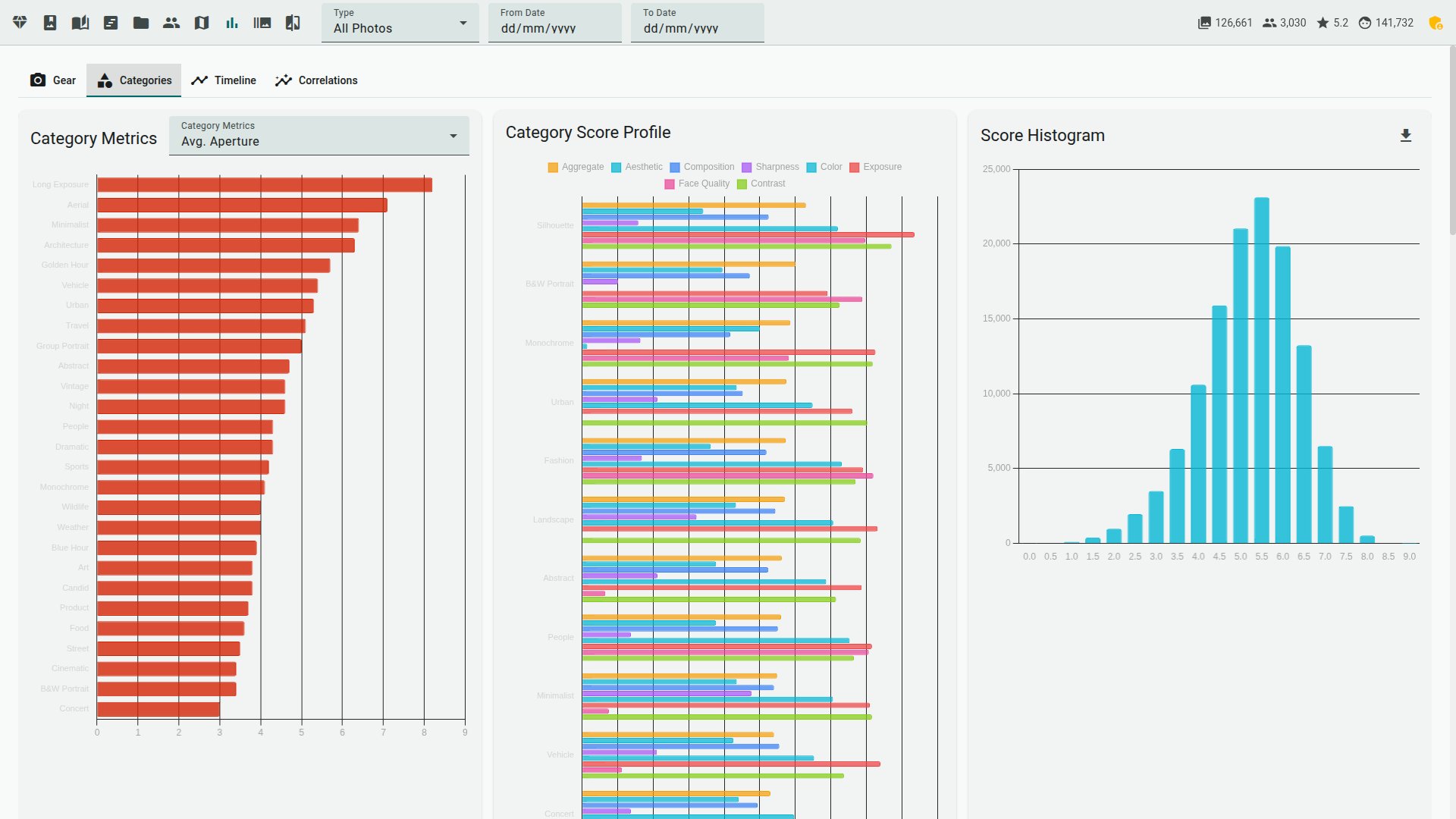
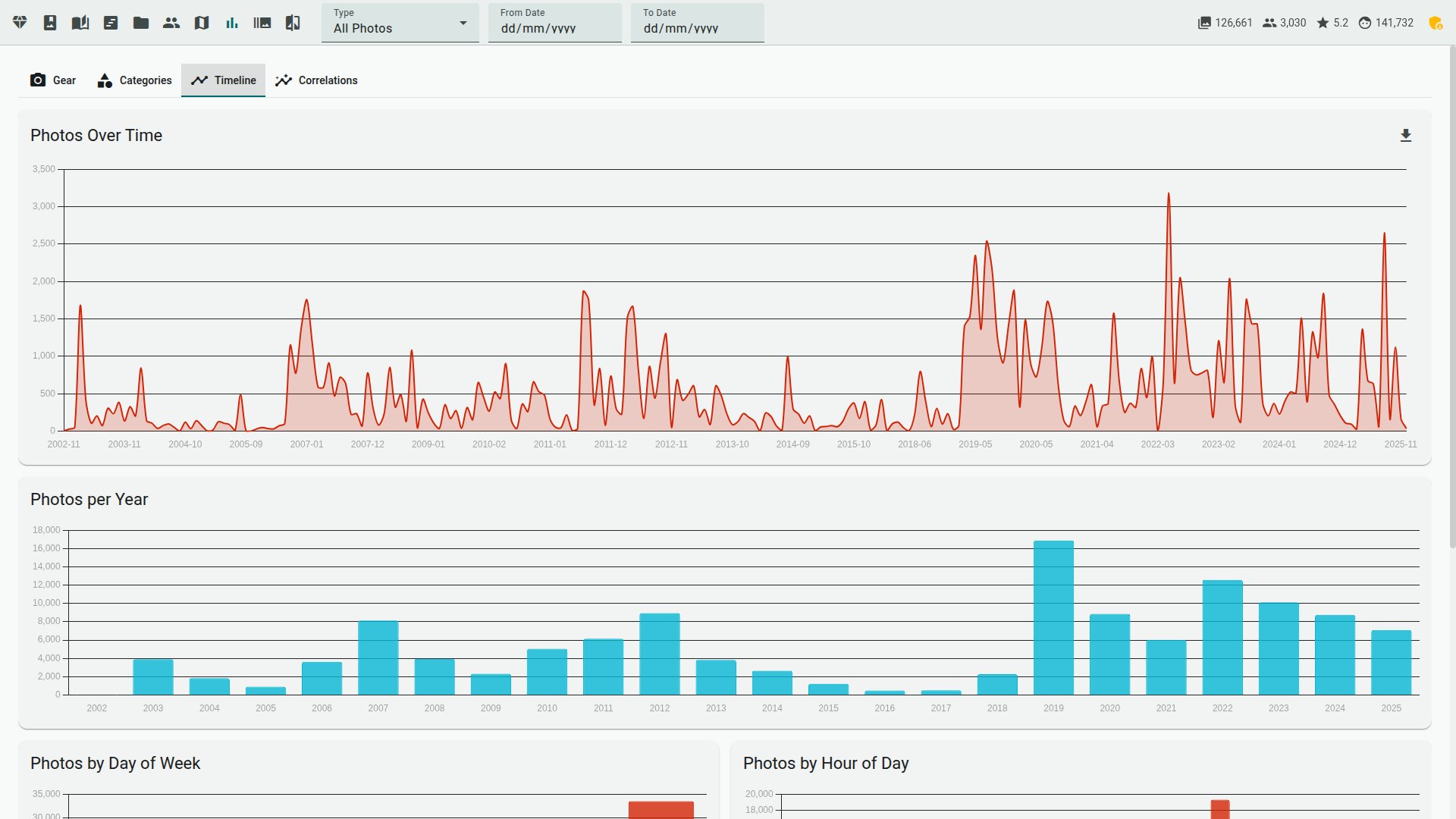
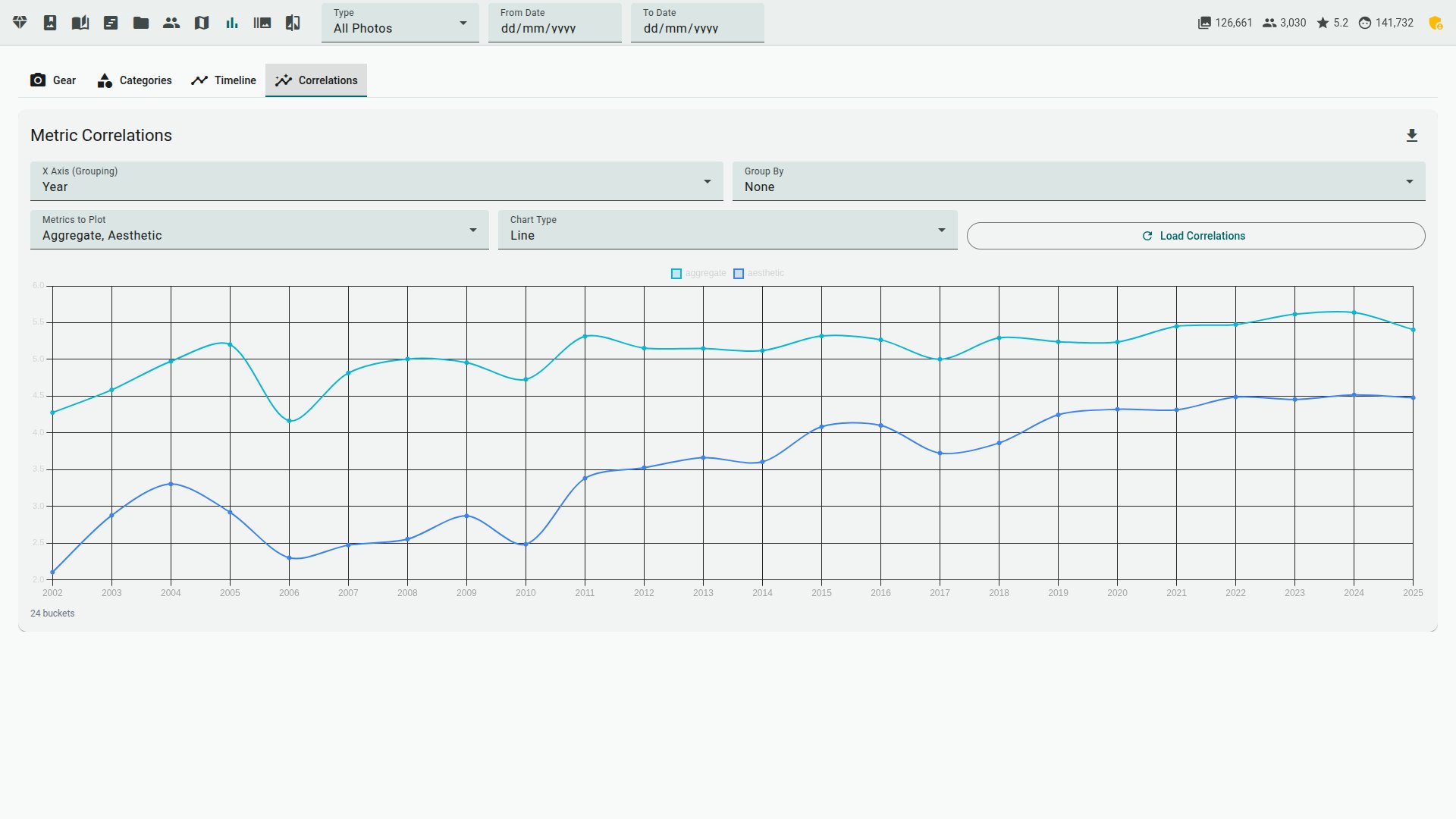
- Statistics — dashboards for equipment usage, category breakdown, shooting timeline, and metric correlations
- AI critique — score breakdown showing each metric's contribution; VLM natural-language assessment
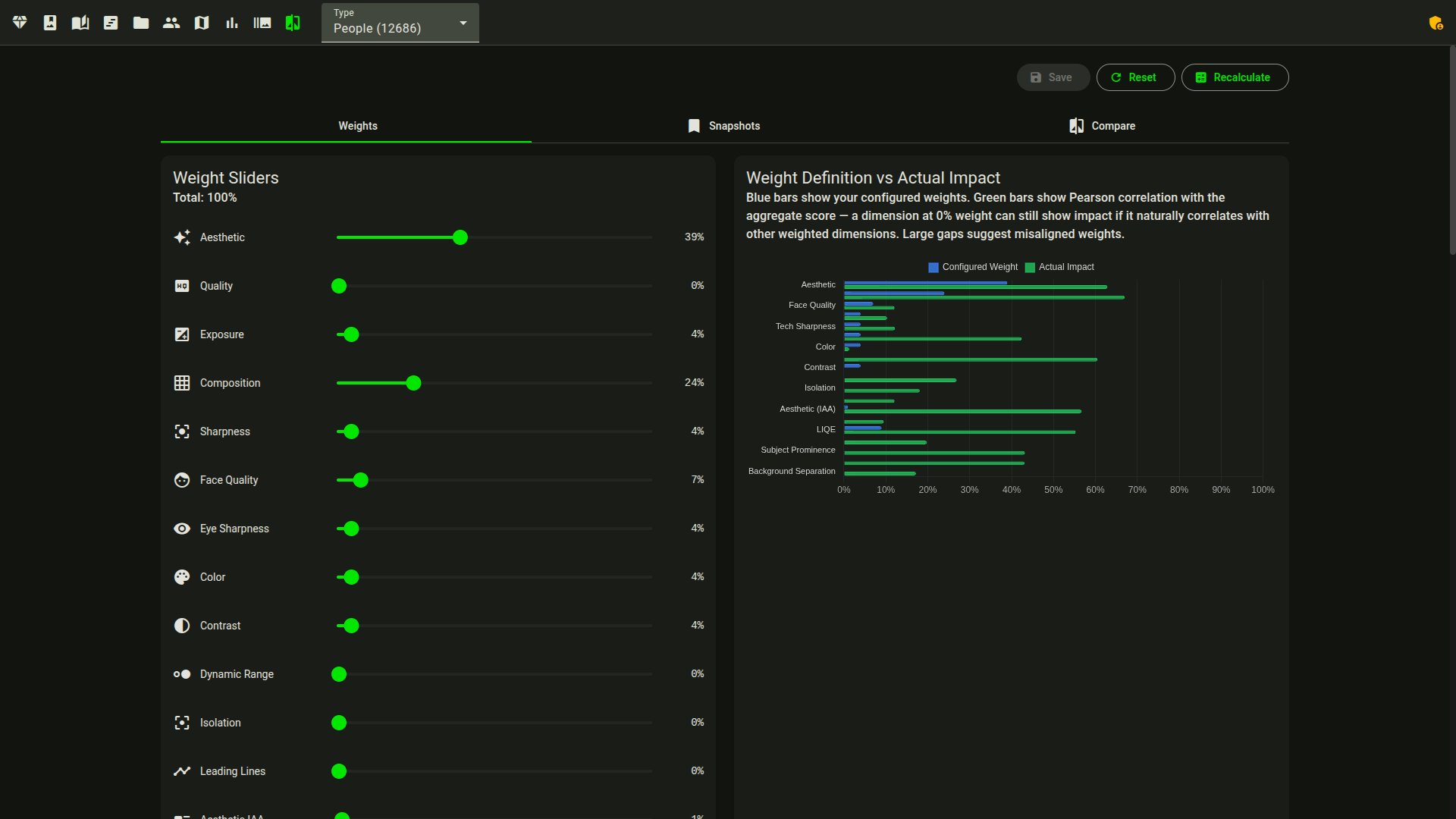
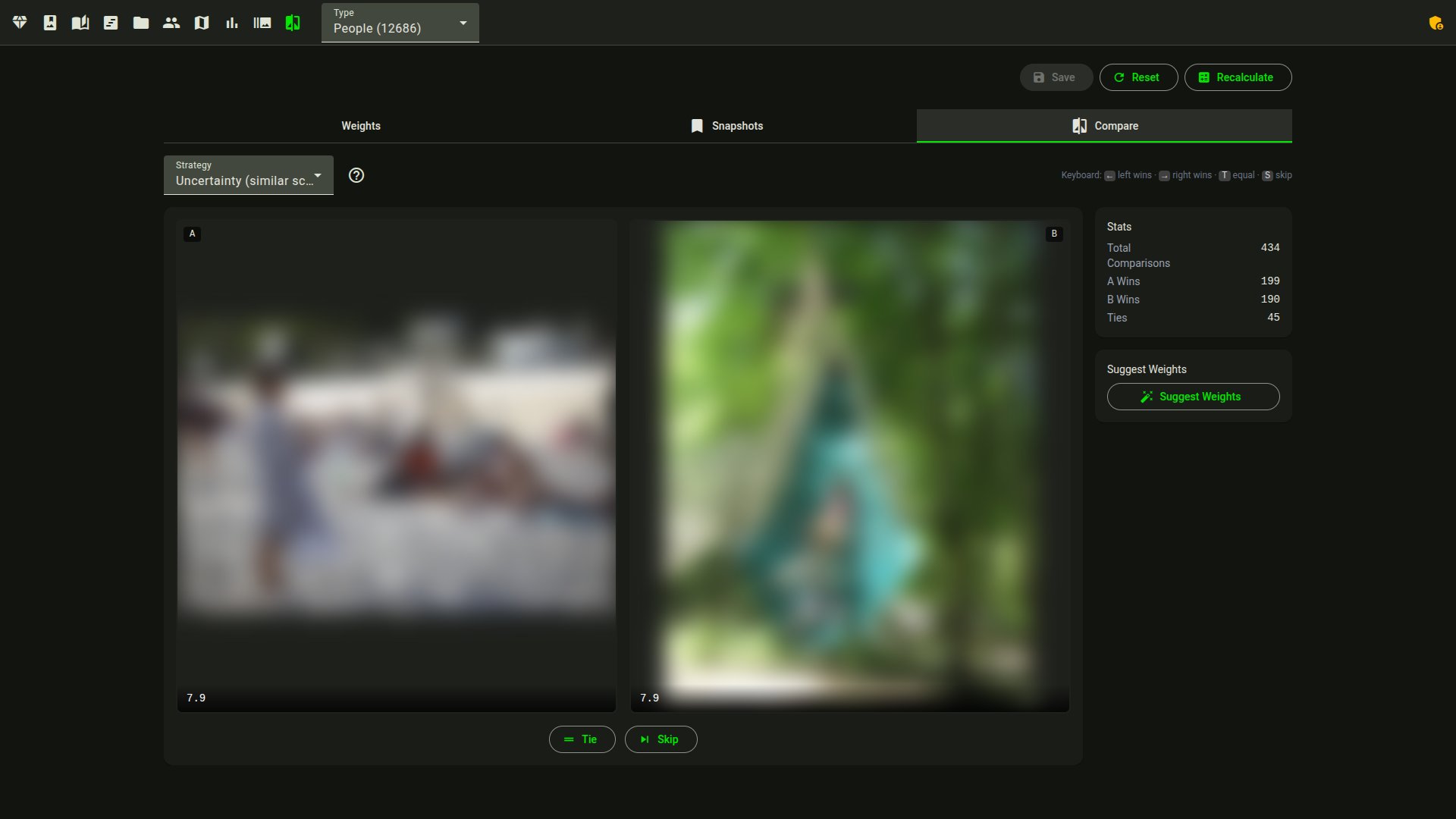
[GPU][16gb/24gb] - Weight tuning — per-category weight editor with live score preview. A/B photo comparison learns from your choices and suggests optimized weights.
- Scoring contexts — control which category a photo is scored as, separately from the weight sliders that only tune the category once it's picked: reorder the global category priority, apply a named context (Action/Stage, Portrait Session, Wildlife, …) per album, or set a sticky per-photo category override that survives every recompute.
- My Taste sort — sort the gallery by the personal ranker's learned score, with a confidence badge showing learned coverage and held-out accuracy
- Learning from labels — culling decisions, star ratings, favorites, and rejections feed the weight optimizer (
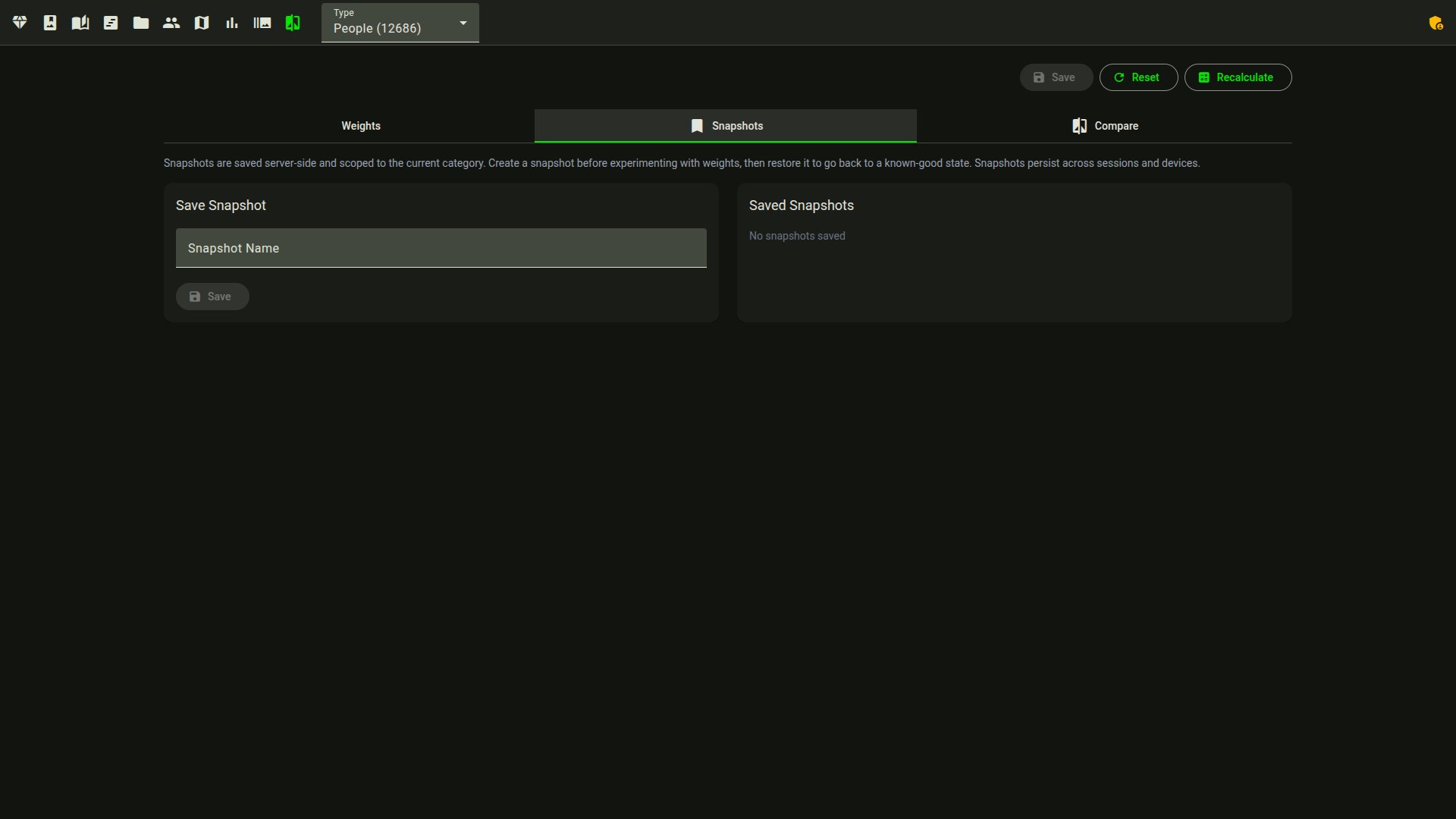
--sync-label-comparisons,--mine-insights) - Snapshots — save, restore, and compare weight configurations
- Histogram — luminance histogram in the photo tooltip and detail view
- AI captions
[GPU][16gb/24gb]— text descriptions, editable[Edition]and translatable to 5 languages (generation and viewing are open)
 |
 |
 |
 |
 |
 |
 |
 |
Share
- Album sharing — generate shareable links for any album, no login required for recipients. Revoke access at any time.
- Client proofing — a shared album can run in proofing mode: clients heart photos and leave comments with just the link (plus an optional PIN), fully isolated from your own ratings
- Phone auto-upload — point PhotoSync or any WebDAV app at the built-in
/davinbox;--watchscores new shots as they arrive - Photo frames & kiosks — a token-guarded endpoint feeds your curated best shots to smart photo frames and Home Assistant dashboards
- Portfolio export
[Edition]— render an album into a self-contained static HTML gallery (no CDN references, works offline) you can drop on any web host - Social crops
[Edition]— full-resolution exports framed on the detected subject for square, portrait and story aspect presets - Photo download — download individual photos or selections from the gallery
- Export — export all scores to CSV or JSON for external analysis
More
- Dark & light mode with 10 accent color themes; respects system preference
- Responsive — adapts from mobile to desktop, with a touch-friendly bulk-actions sheet on small screens
- Installable PWA — web app manifest + service worker: install to home screen, offline app shell, cached thumbnails
- Virtualized gallery — renders a handful of DOM nodes regardless of library size, so scrolling stays fast at 100k+ photos
- Resumable scans — interrupted scans resume (
--resume), failed files are tracked and retryable (--retry-failed), progress streams to the web UI - 6 languages — English, French, German, Spanish, Italian, Brazilian Portuguese
- Multi-user — per-user directories, ratings, and role-based access
- Plugins & webhooks — custom actions triggered on scoring events
- Scan from web UI — trigger scans from the browser (superadmin role)
 |
 |
 |
What you need
Most of Facet runs on any machine (CPU) — scoring, face detection, culling, the gallery, search, albums and metadata export all work without a GPU. On Apple Silicon, Facet automatically uses PyTorch's Metal (mps) backend for Torch models, and the auto profile is sized from your total unified memory — a 32 GB Mac reaches the 16gb profile, a 48 GB one the 24gb profile; InsightFace remains on ONNX Runtime's CPU provider. An NVIDIA GPU (with the 16gb or 24gb profile) unlocks the strongest models: TOPIQ aesthetic scoring, SigLIP 2 embeddings, VLM tagging, AI captions and critique, and subject saliency. No local GPU? Point the VLM tagging/captions/critique at a remote Ollama or OpenAI-compatible server via vlm_backend in scoring_config.json — those features then work on the CPU legacy/8gb profiles too. In the viewer, editing actions (ratings, faces, culling) need the edition password, and triggering scans needs the superadmin role.
→ Full per-feature requirements (GPU, VRAM profile, optional packages, auth): Installation › Feature requirements.
Is Facet for you?
Facet scores, ranks, and culls a local photo library and serves a gallery to browse it. It runs on your own hardware and keeps photos off the cloud.
A good fit if you:
- have a large local library and want to find your best shots and cull bursts and near-duplicates;
- want quality, composition, and face scoring you can tune to your own taste (it learns from your A/B comparisons);
- prefer self-hosted and private — no cloud upload, no account, no subscription;
- already edit in Lightroom, darktable, digiKam or immich — Facet writes ratings, labels, keywords, captions and named-face regions to
.xmpsidecars (originals untouched by default) and can optionally embed them in-file for JPEG/HEIC/TIFF/PNG/DNG (the gallery "Write metadata to file" action or--export-sidecars --embed-originals), and reads external edits back with--import-sidecars.
Probably not for you if you want:
- a turnkey, mobile, cloud-backed Google Photos replacement — though phone auto-upload into a watched inbox is built in over WebDAV (PhotoSync recipe in the docs);
- RAW editing or develop — Facet scores and organizes, it does not edit;
- a zero-setup desktop app — it needs Python, and the best models need a GPU.
How it relates to other tools
- Self-hosted libraries (Immich, PhotoPrism) focus on organizing, search, and backup. Facet adds quality scoring, ranking, and a culling workflow they don't, but it has no mobile app or cloud backup (phone auto-upload over WebDAV is built in, and ratings can sync to Immich).
- AI culling apps (Aftershoot, Narrative, FilterPixel) are polished commercial cullers, often with editing built in. Facet is free, local, broader (gallery, search, faces), and its scoring is tunable — but it is a single-developer project without their support or RAW editing.
- Editors and catalogs (Lightroom, darktable, digiKam) develop and manage photos. Facet complements them through the XMP metadata interop above rather than replacing them.
The aesthetic score is model-based and approximate; expect to tune the weights to match your taste.
Quick Start
Docker (recommended)
git clone https://github.com/ncoevoet/facet.git && cd facet
cp .env.example .env      # open .env and set PHOTOS_DIR to your photo folder
docker compose up -d      # then open http://localhost:5000
Have an NVIDIA card? Use the block for its size in Installation — one line each for 8 GB, 16 GB and 24 GB cards.
Without Docker (Linux, macOS)
git clone https://github.com/ncoevoet/facet.git && cd facet
bash install.sh                        # detects your hardware, installs everything
source venv/bin/activate
python facet.py /path/to/your/photos   # score photos
python viewer.py                       # gallery → http://localhost:5000
macOS: ControlCenter's AirPlay Receiver binds port 5000 by default. If you see "Address already in use", run
python viewer.py --port 5001.
Full guide: Installation — per-hardware setup, first-run
downloads, and dependency troubleshooting.
Run python facet.py --doctor to diagnose GPU issues.
Documentation
| Document | Description |
|---|---|
| Installation | Requirements, GPU setup, VRAM profiles, dependencies |
| Commands | All CLI commands reference |
| Configuration | Full scoring_config.json reference |
| Scoring | Categories, weights, tuning guide |
| Face Recognition | Face workflow, clustering, person management |
| Viewer | Web gallery features and usage |
| Interop | Round-tripping ratings/tags with Lightroom, Capture One, digiKam, darktable |
| Immich | Syncing ratings and favorites with Immich, plus the inbound webhook |
| Deployment | Production deployment (Synology NAS, Linux, Docker) |
| Contributing | Development setup, architecture, code style |