EasyEDA Copilot
AI-powered assistant for EasyEDA Pro and JLCEDA. Connect an MCP-capable agent to create and modify schematics, search components, design and route PCBs, inspect results, and run DRC directly in EasyEDA.
[!IMPORTANT] MCP is the recommended and actively developed interface for EasyEDA Copilot. It is more reliable for agent workflows and provides the complete feature set, including PCB tools, checkpoints, document management, inspection, and DRC. The built-in Interface remains available for users who prefer it, but it is now considered legacy and receives limited maintenance.


What it does
EasyEDA Copilot adds an AI design layer to EasyEDA Pro:
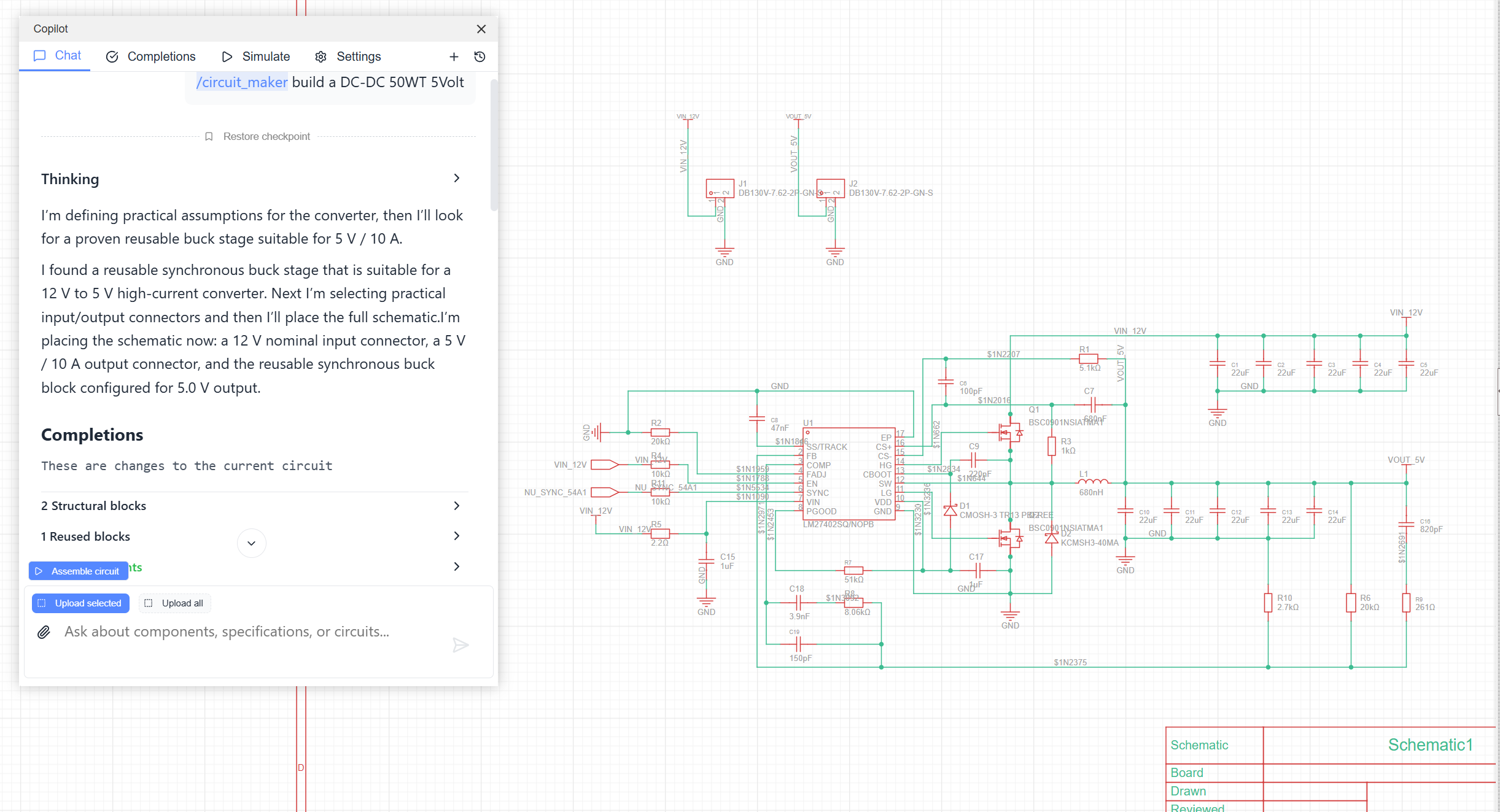
- Generate circuits from text: describe the circuit you need and let your MCP agent assemble a schematic proposal.
- Complete existing schematics: let the agent read the current page and add, replace, connect, or rearrange parts.
- Search LCSC components: find parts from natural-language requirements and electrical characteristics.
- Use reusable blocks: insert reviewed standard subcircuits such as regulators, interfaces and protection blocks.
- Explain and analyze circuits: discuss schematic behavior, signal flow and design tradeoffs.
- Design PCBs: generate placement, preview and assemble the board, route it, inspect results, and run DRC.
- Work safely: save and restore checkpoints, recover from failed schematic beautification, and handle long-running PCB operations.
- Manage projects: inspect the project tree, open and synchronize documents, and select a target when several EasyEDA instances are connected.
More examples are available on Oshwlab.
Quick start with MCP
Download the latest .eext package from Releases.
In EasyEDA Pro:
- Open
Settings -> Extensions -> Extensions Manager. - Click
Import Extensions. - Select the downloaded
.eextfile. - Enable
External Interactionsas shown in Extension permissions.

Add the MCP server to your agent:
Codex:
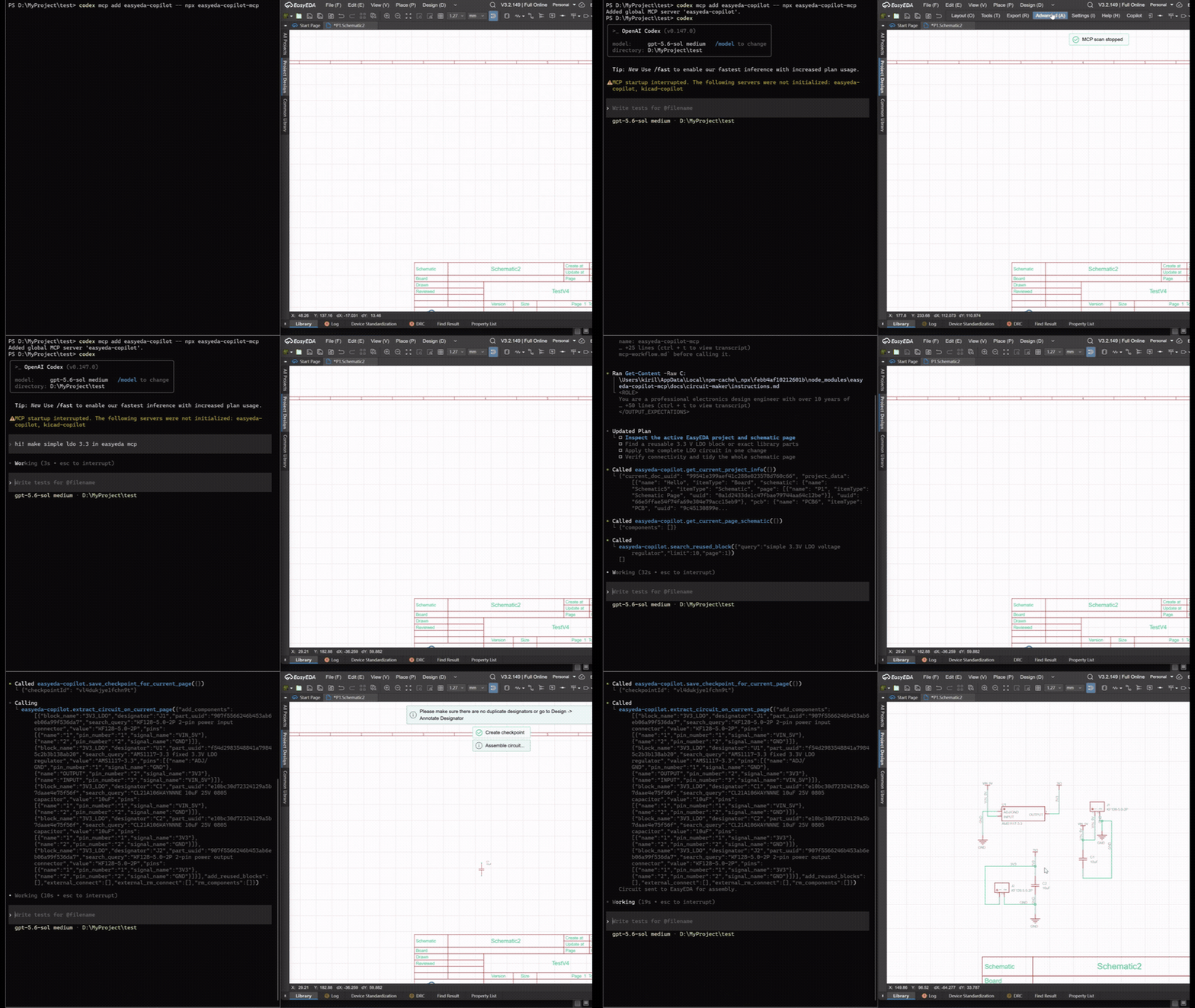
codex mcp add easyeda-copilot -- npx -y easyeda-copilot-mcp
Claude Code:
claude mcp add easyeda-copilot -- npx -y easyeda-copilot-mcp
Then:
- Start Codex, Claude Code, or another MCP client with this server enabled.
- Open the target schematic or PCB document in EasyEDA Pro.
- Ask the agent to work with the open EasyEDA document.
The extension scans ws://127.0.0.1:8787 every 5 seconds and connects automatically when the MCP server is available. Copilot -> MCP does not open a separate interface; it only pauses or resumes this scan.
See the MCP package README for generic JSON configuration, local builds, and the detailed PCB workflow.
MCP and the legacy built-in Interface
| Capability | MCP | Built-in Interface |
|---|---|---|
| Generate and modify schematics | Yes | Yes, legacy workflow |
| Component search and reusable blocks | Yes | Yes |
| Checkpoints and automatic recovery | Yes | Limited |
| Project and document management | Yes | No |
| PCB placement, preview, and assembly | Yes | No |
| PCB routing, inspection, layers, and DRC | Yes | No |
| Multiple connected EasyEDA instances | Yes | No |
| Development priority | Primary | Limited maintenance |
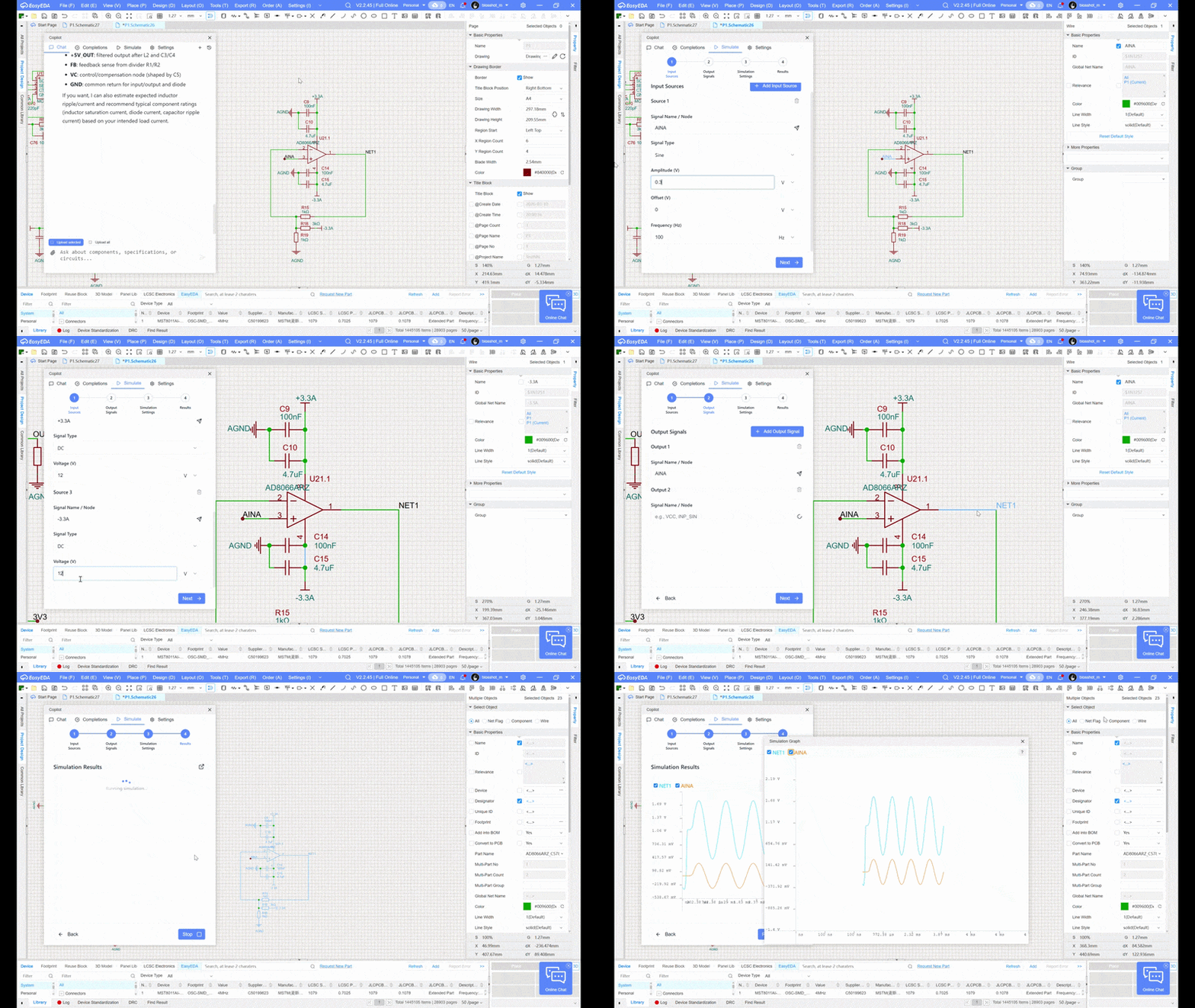
The built-in Interface represents a substantial part of the project's history and remains useful to people who prefer an integrated chat and SPICE UI. Open it with Copilot -> Interface (Legacy). New users and bug reports should use the MCP workflow first because it exposes more capabilities and has stronger connection monitoring, command timeouts, serialization, and recovery behavior.
PCB Workflow (MCP only)
PCB placement is available only through an external MCP client such as Codex or Claude Code. It is not available in the built-in Copilot chat.
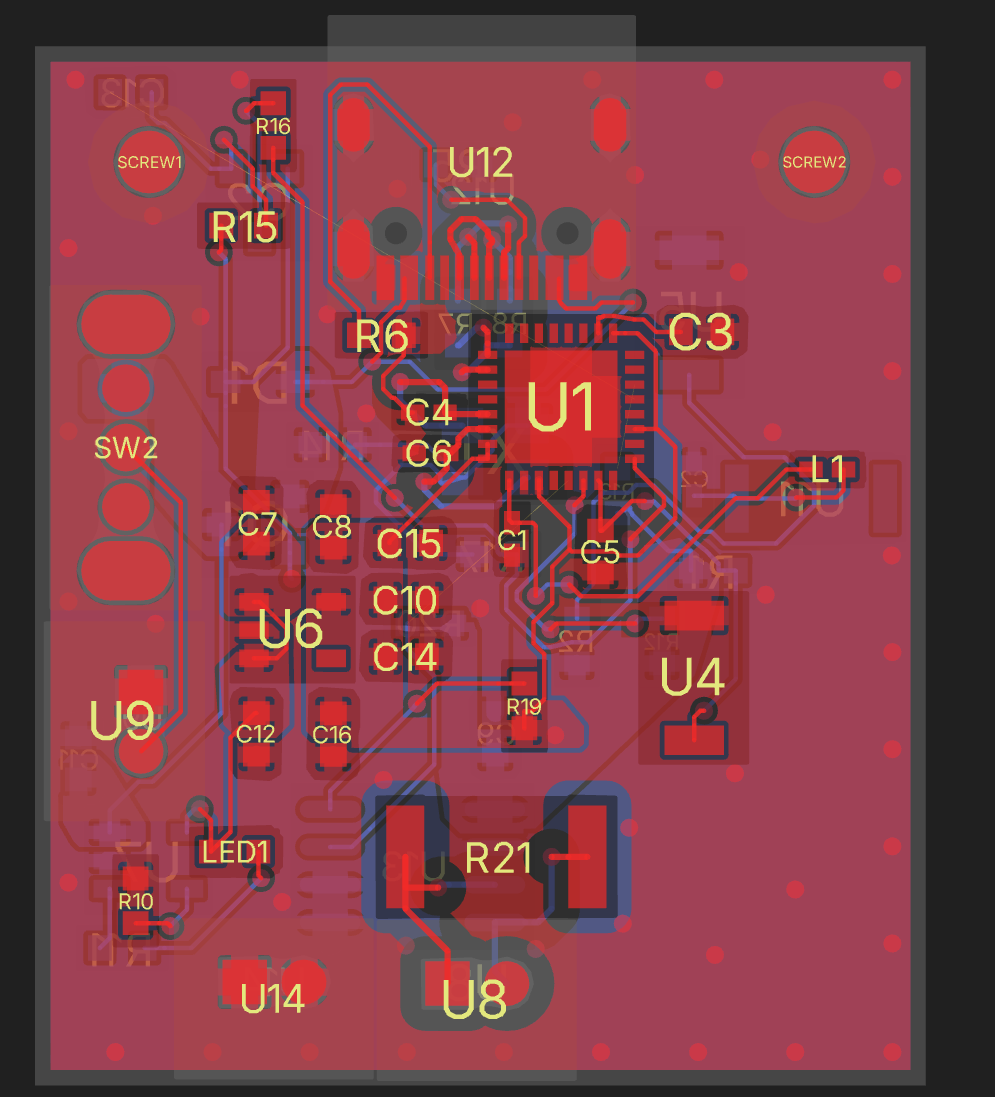
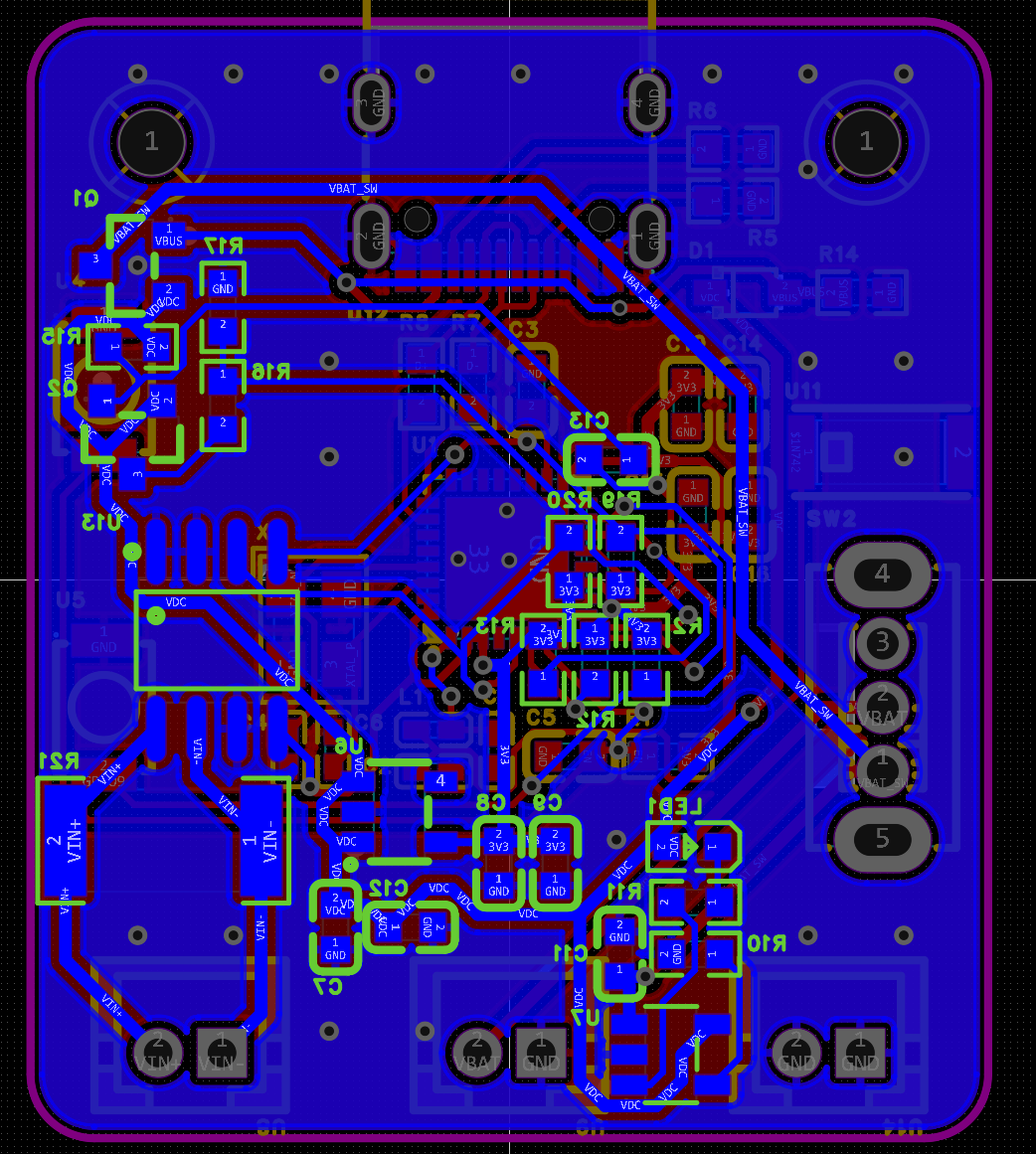
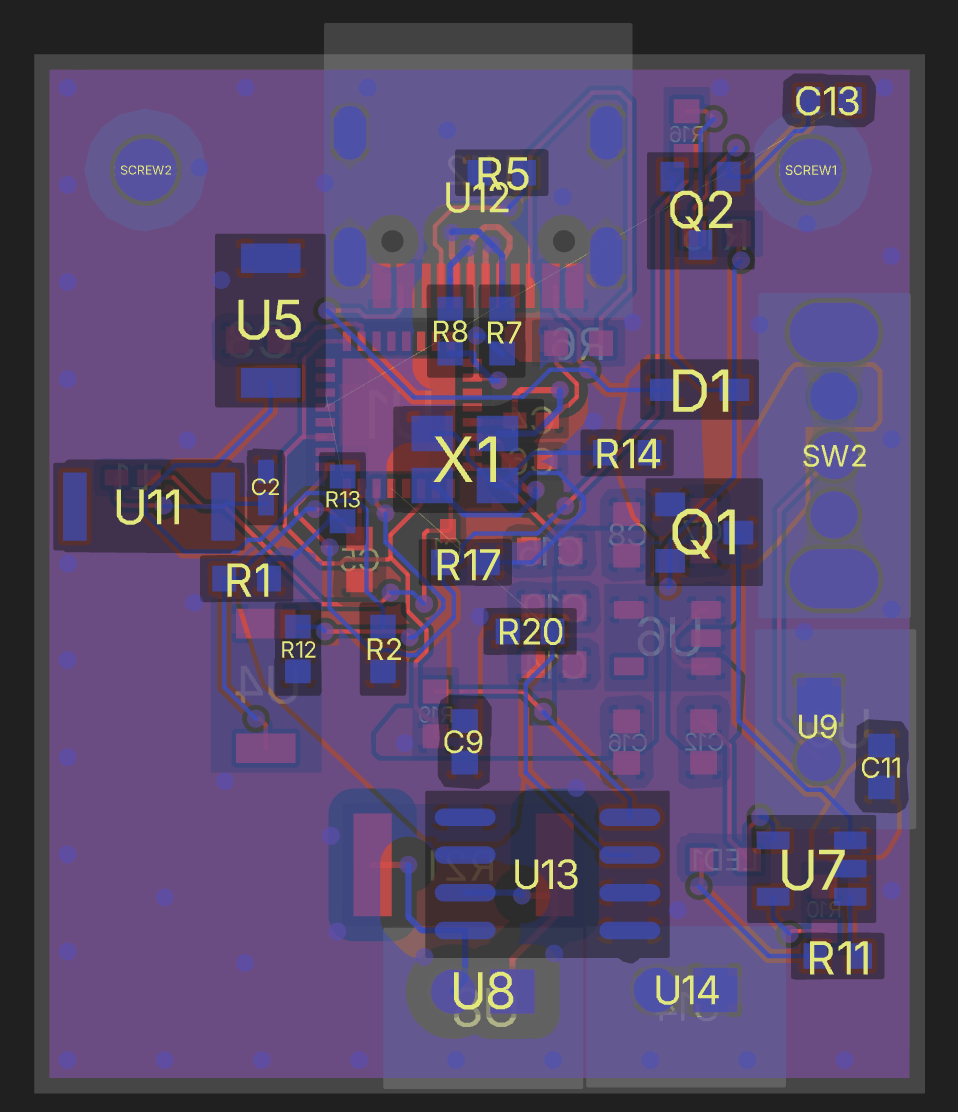
MCP creates placement: board outline, mechanical constraints, components, mounting holes, board pads, and designator positions. Review the mechanical preview first, approve the final placement, then import it into EasyEDA. After assembly, MCP can run its bundled auto-router, inspect PCB objects, and invoke EasyEDA DRC on the open Desktop document.
PCB assembly, preview, and client routing support are verified with EasyEDA Desktop V3.2.149.
RP2040 board: Copilot and Quilter
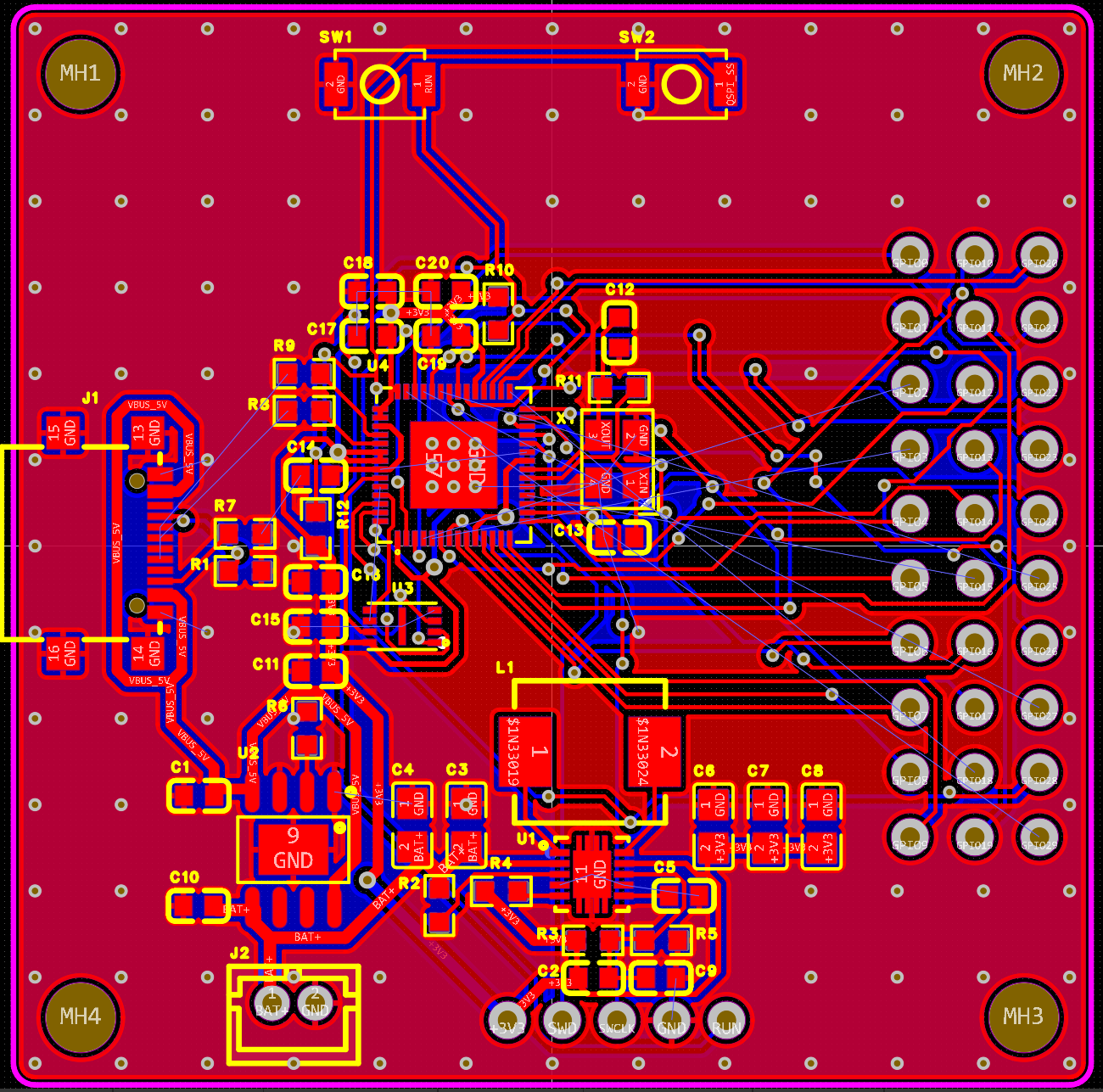
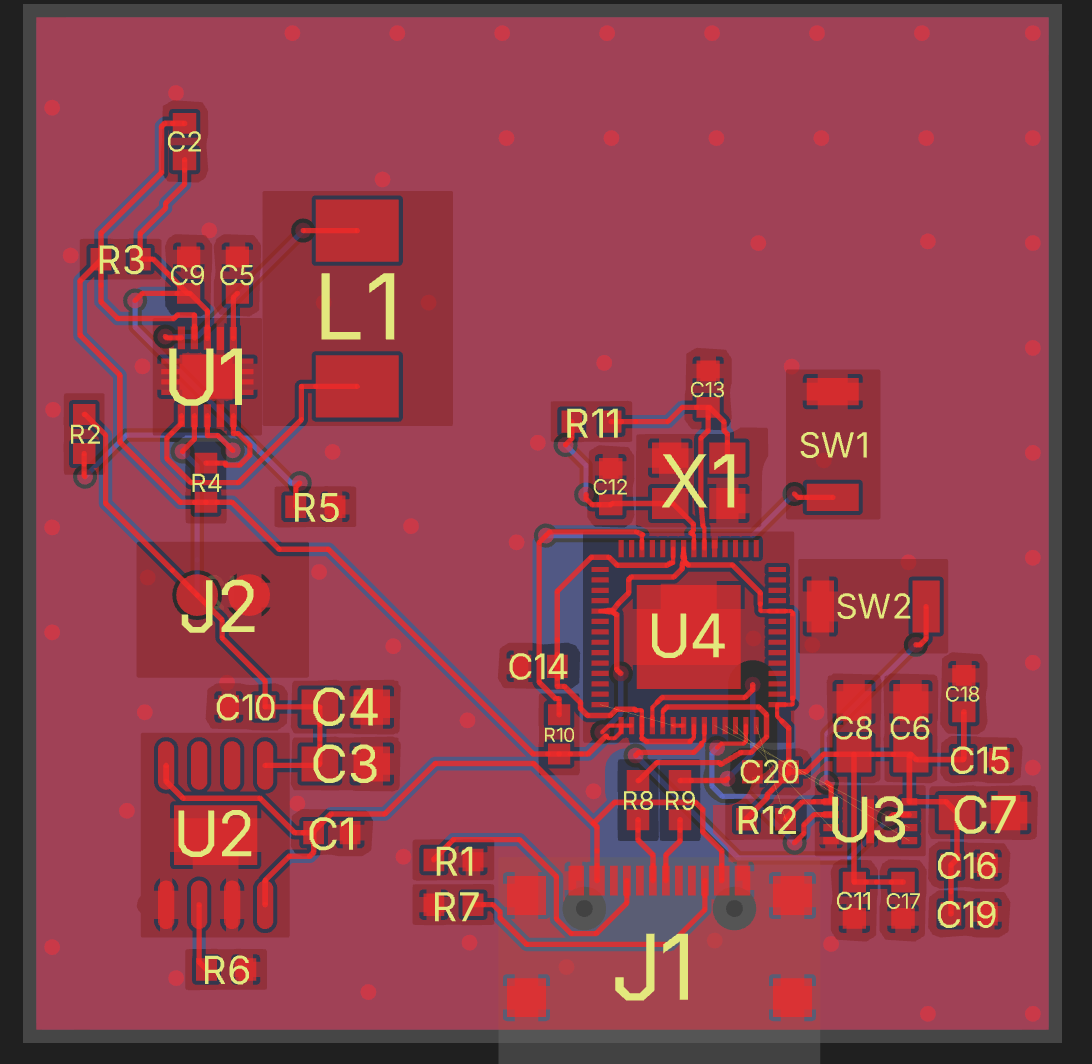
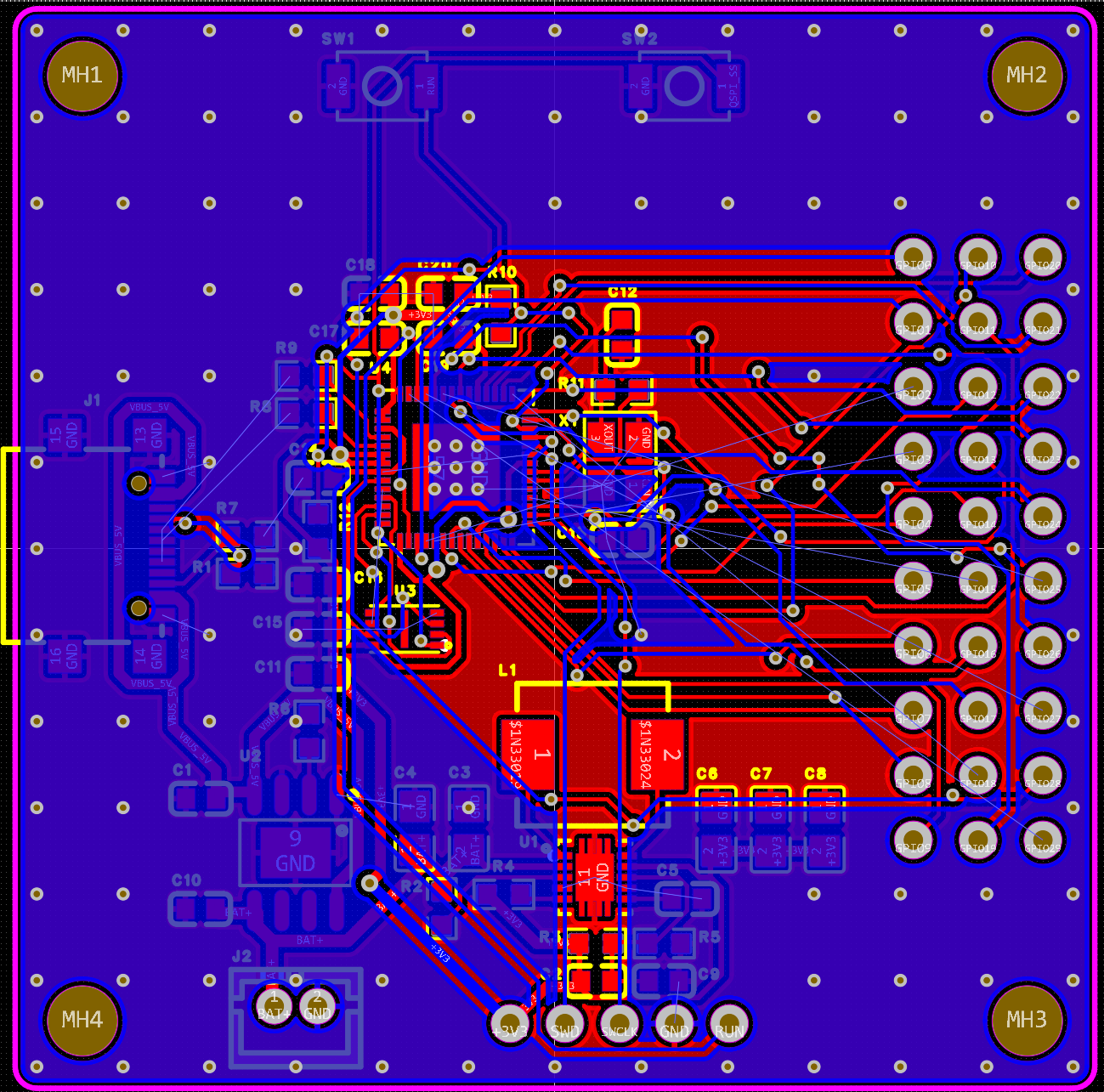
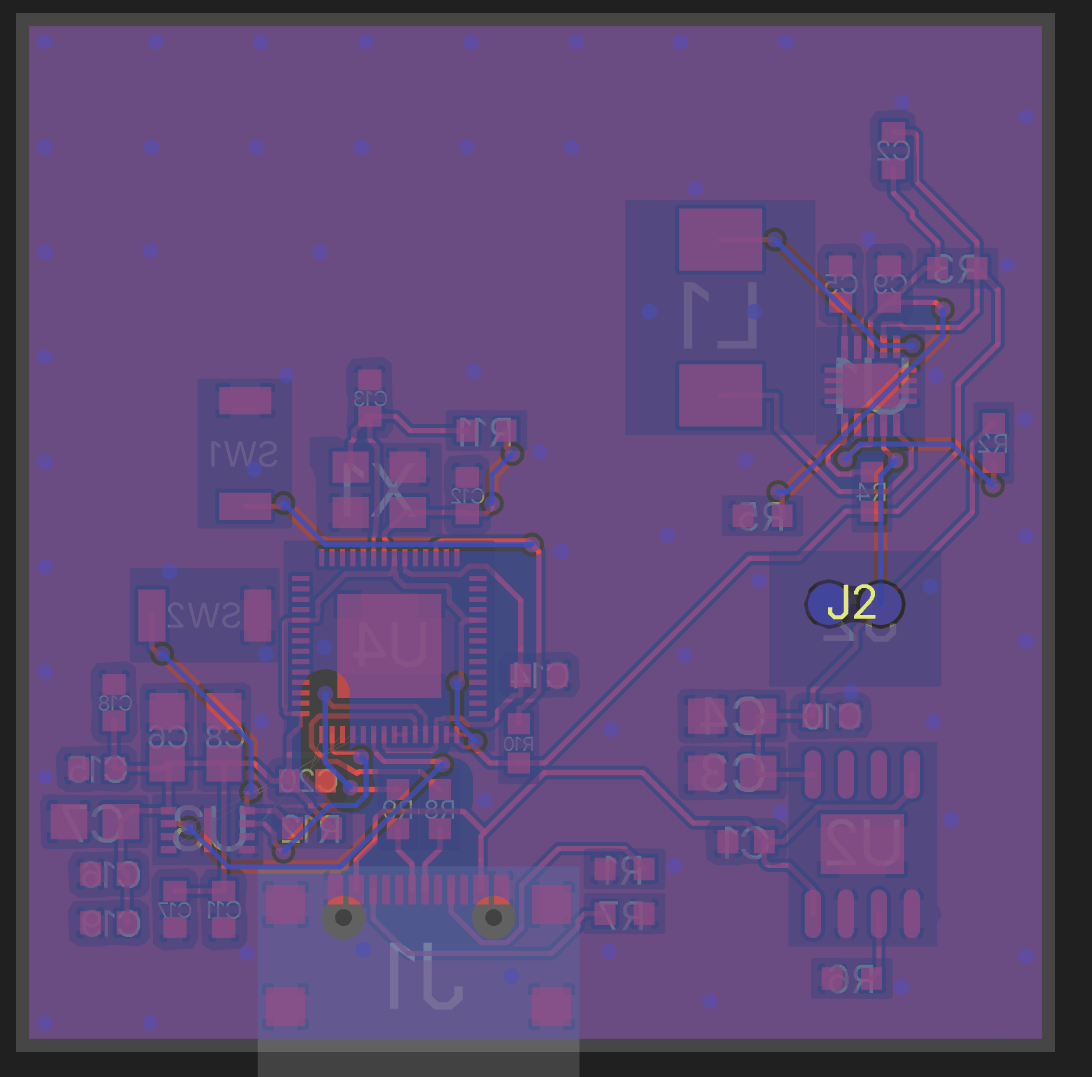
PICO Duck compact board: Copilot and Quilter
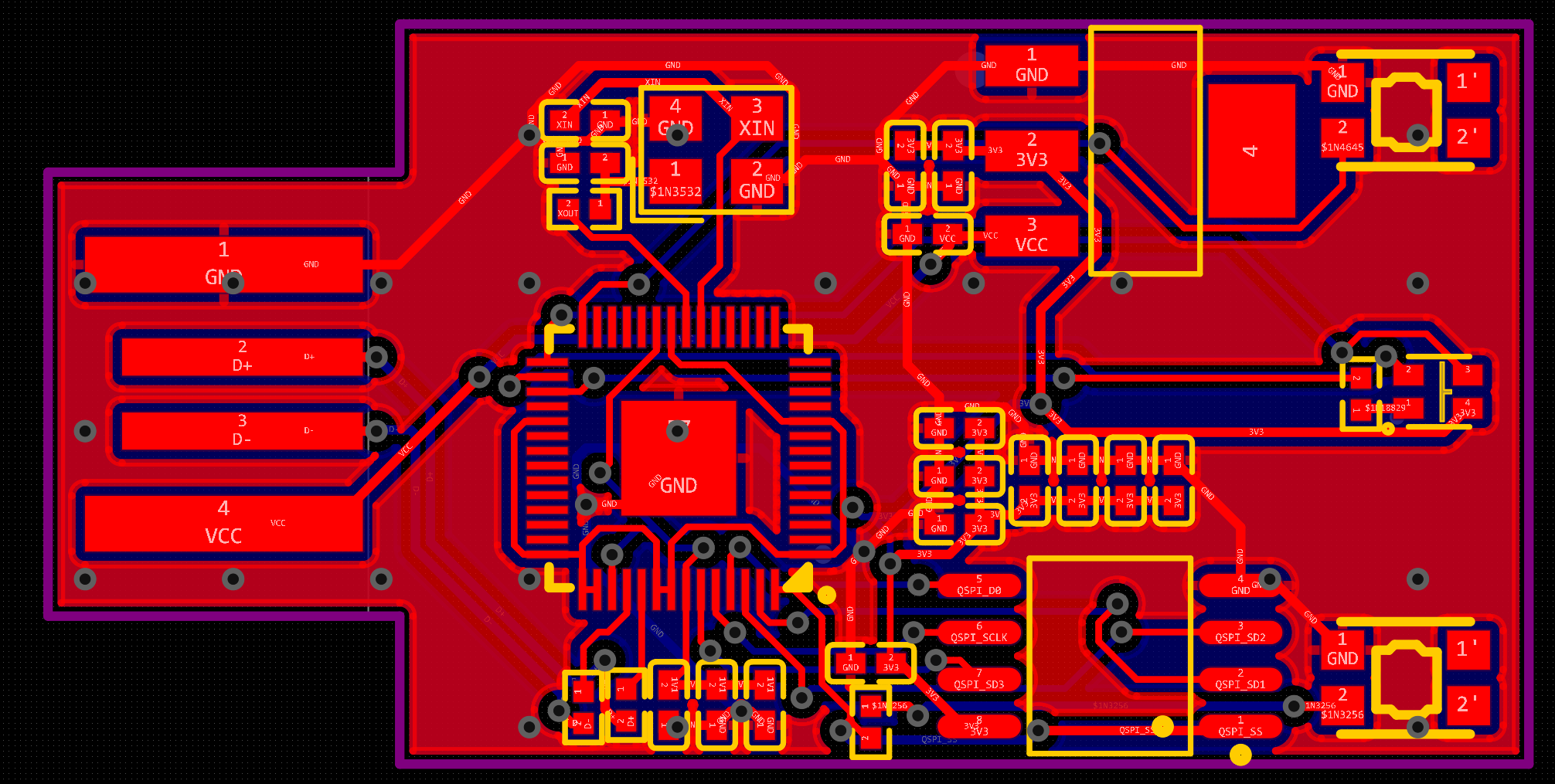
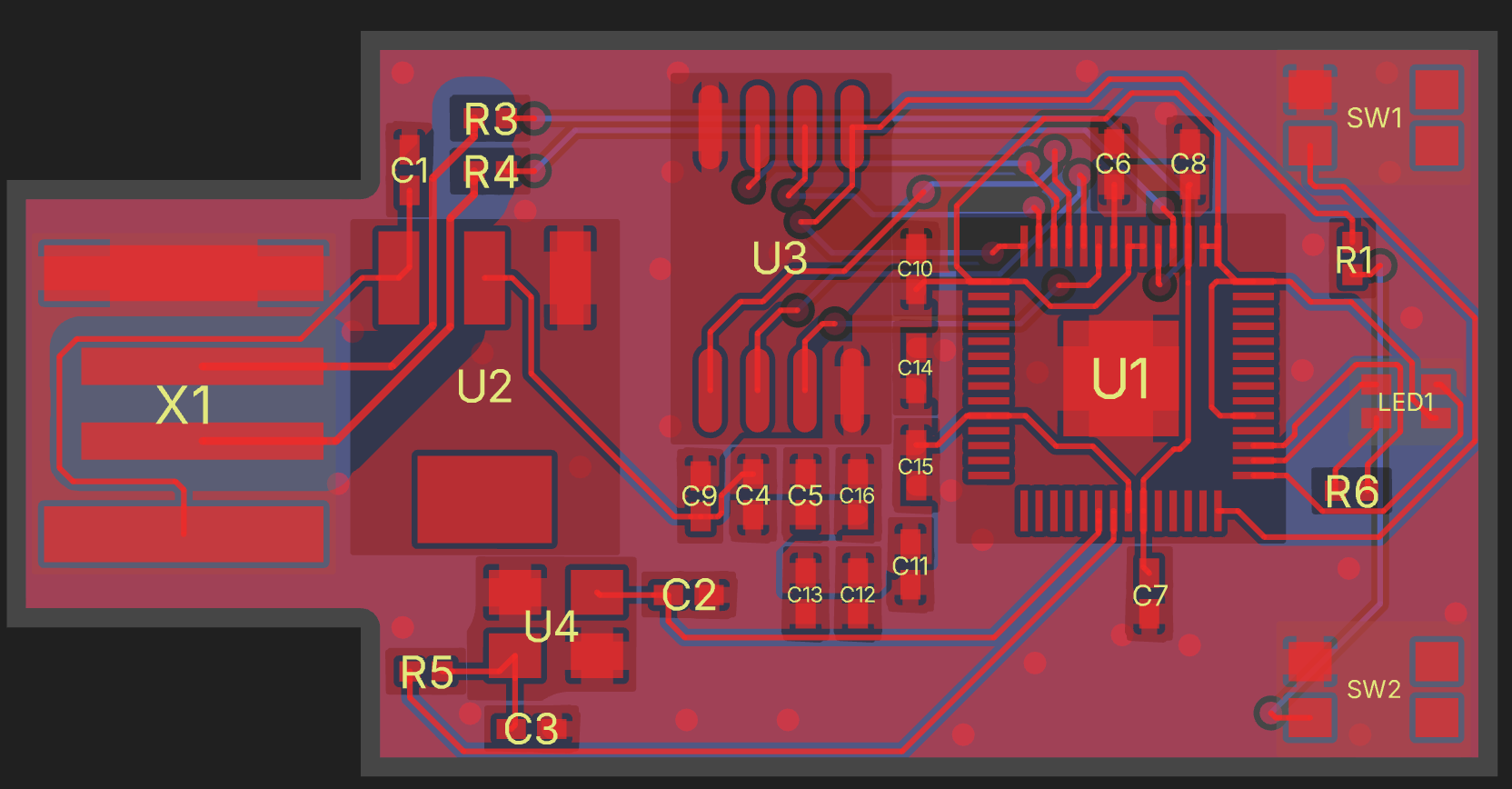
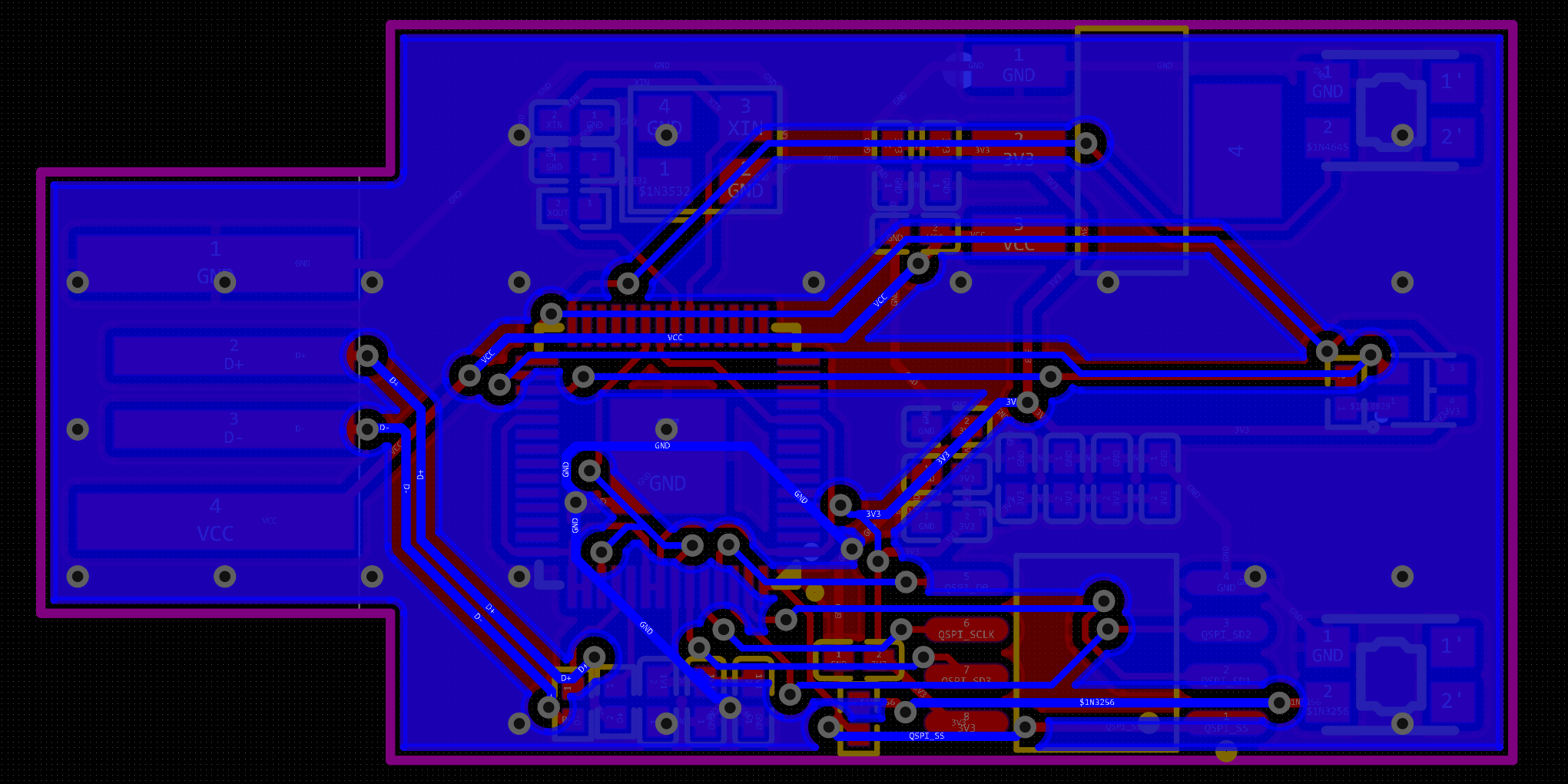
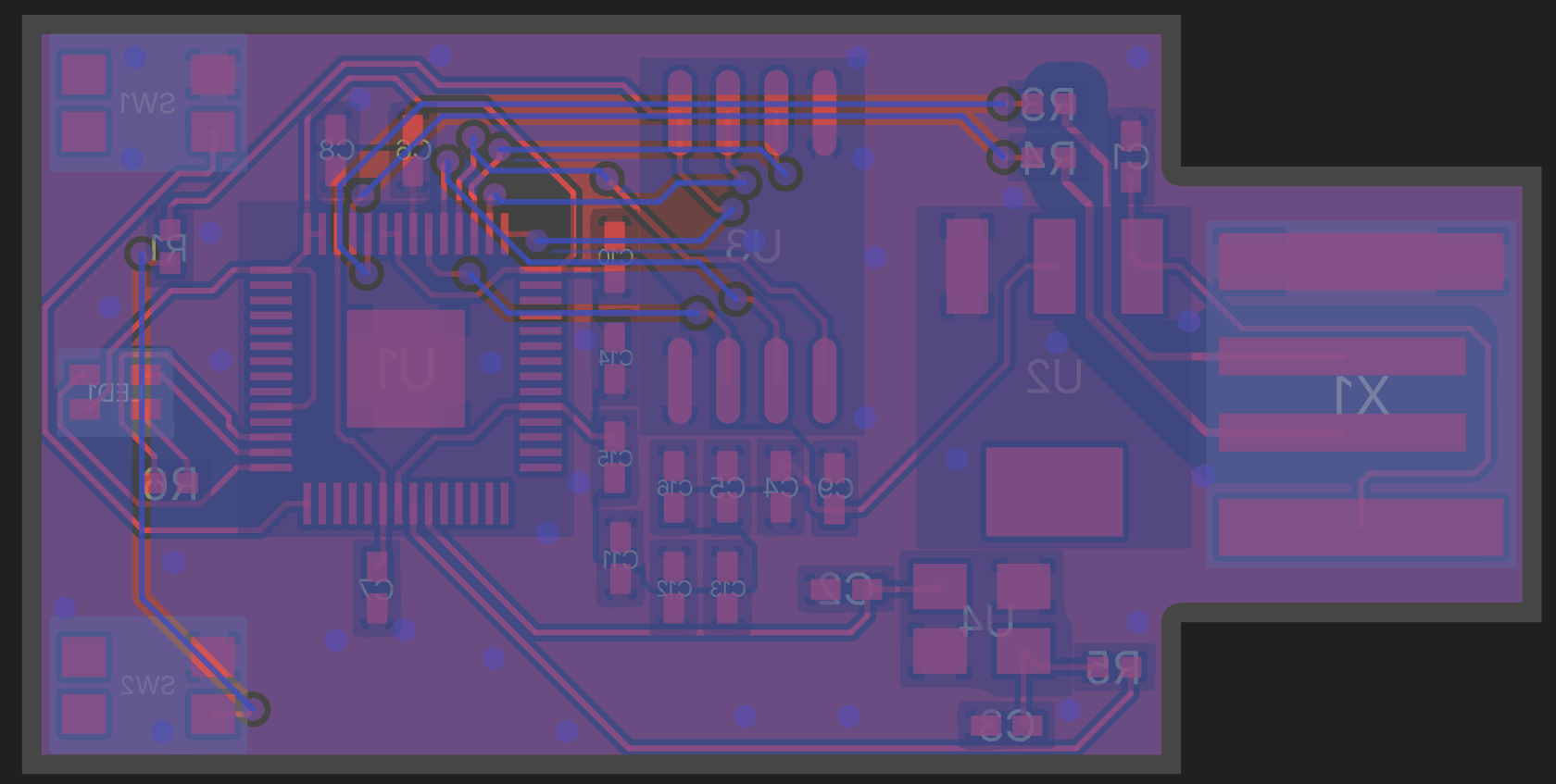
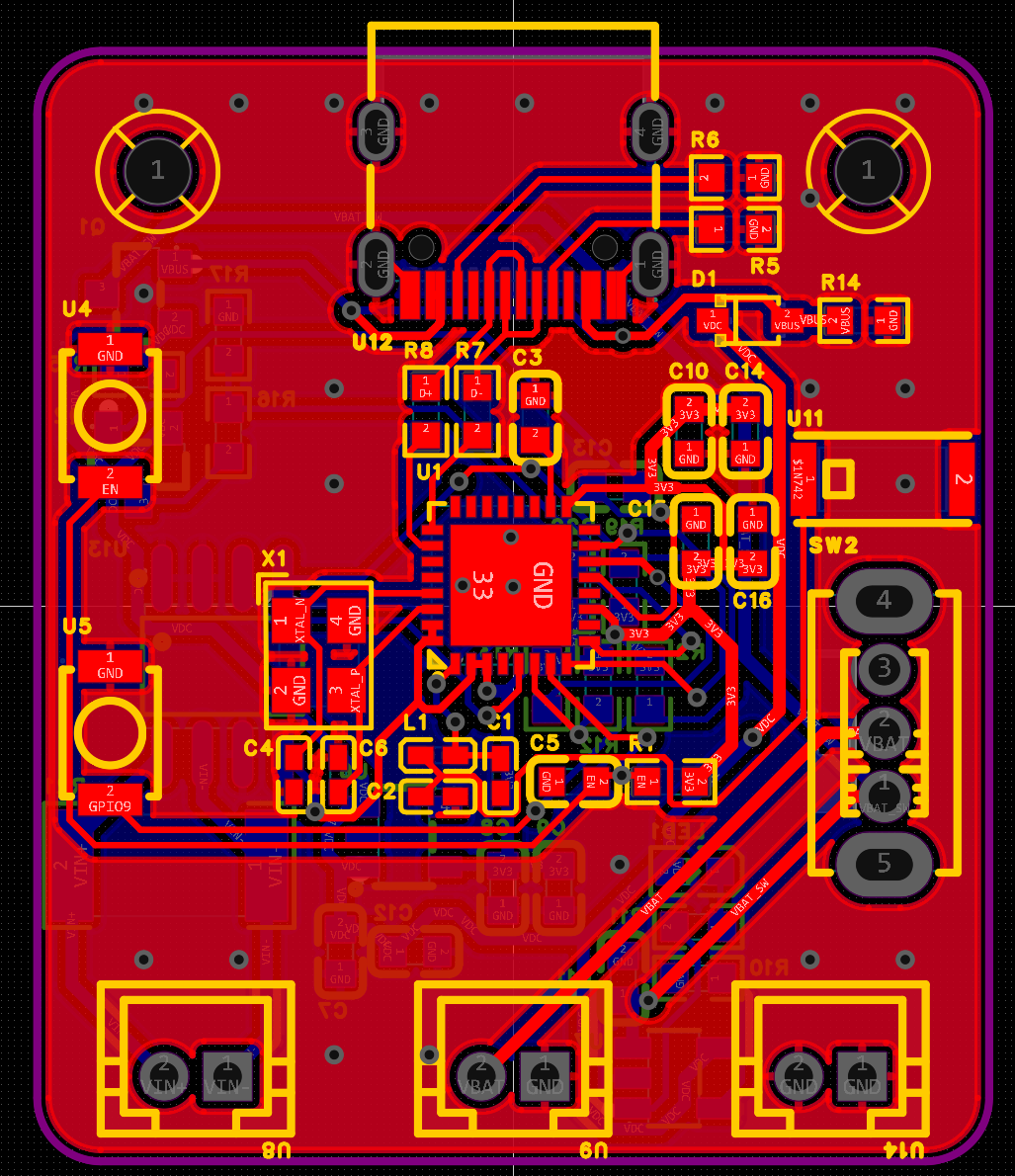
ESPower board: Copilot and Quilter
Compatibility
| EasyEDA Pro version | Status |
|---|---|
| Desktop V3.2.149 | Verified |
| Desktop V2.2.45 | Verified |
| Desktop V2.2.47 | Verified |
Features
Circuit generation
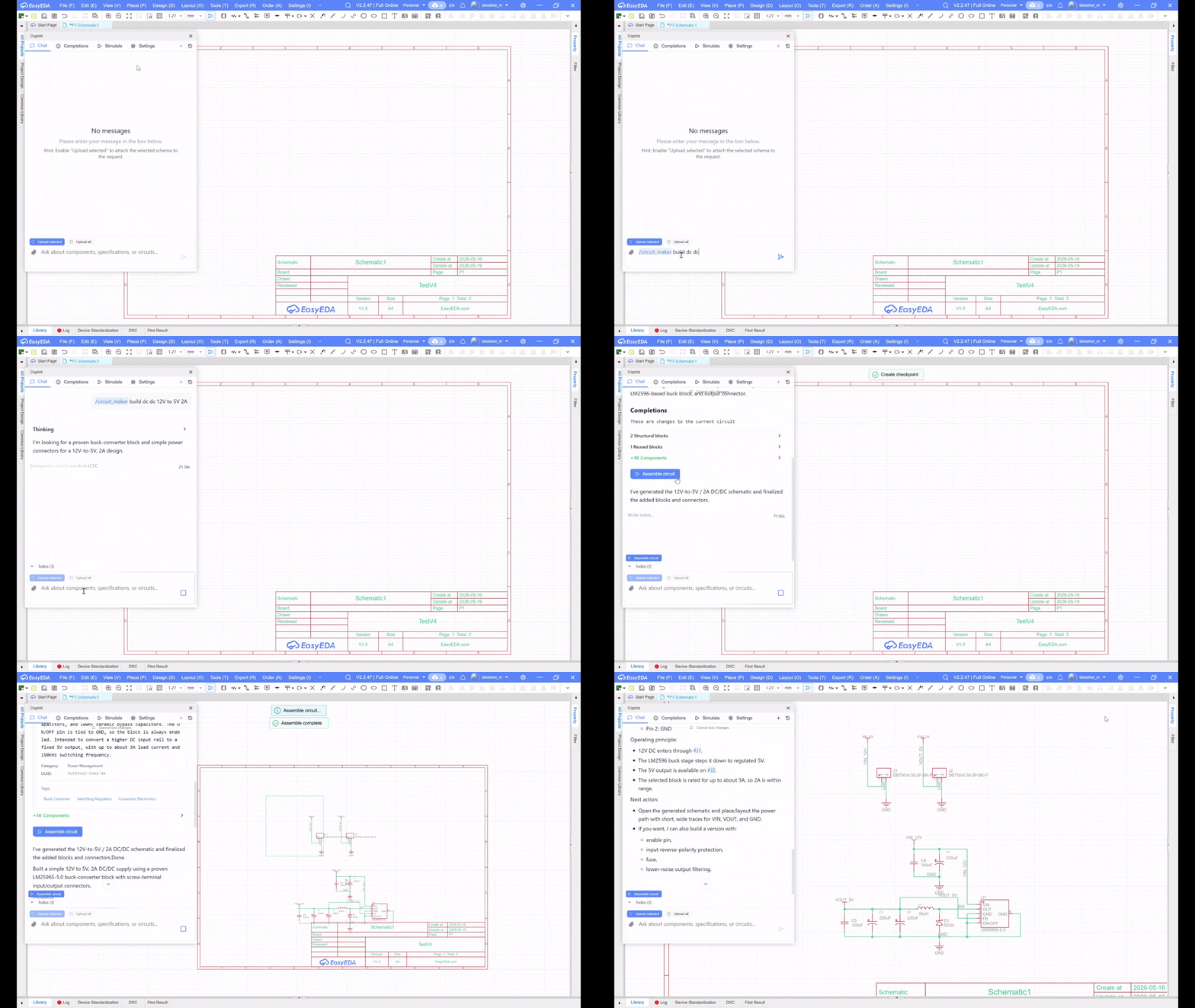
Generate schematics from natural-language descriptions. Copilot can plan the circuit, search components, create a structured result and expose an Assemble circuit action when the generated schematic is ready.
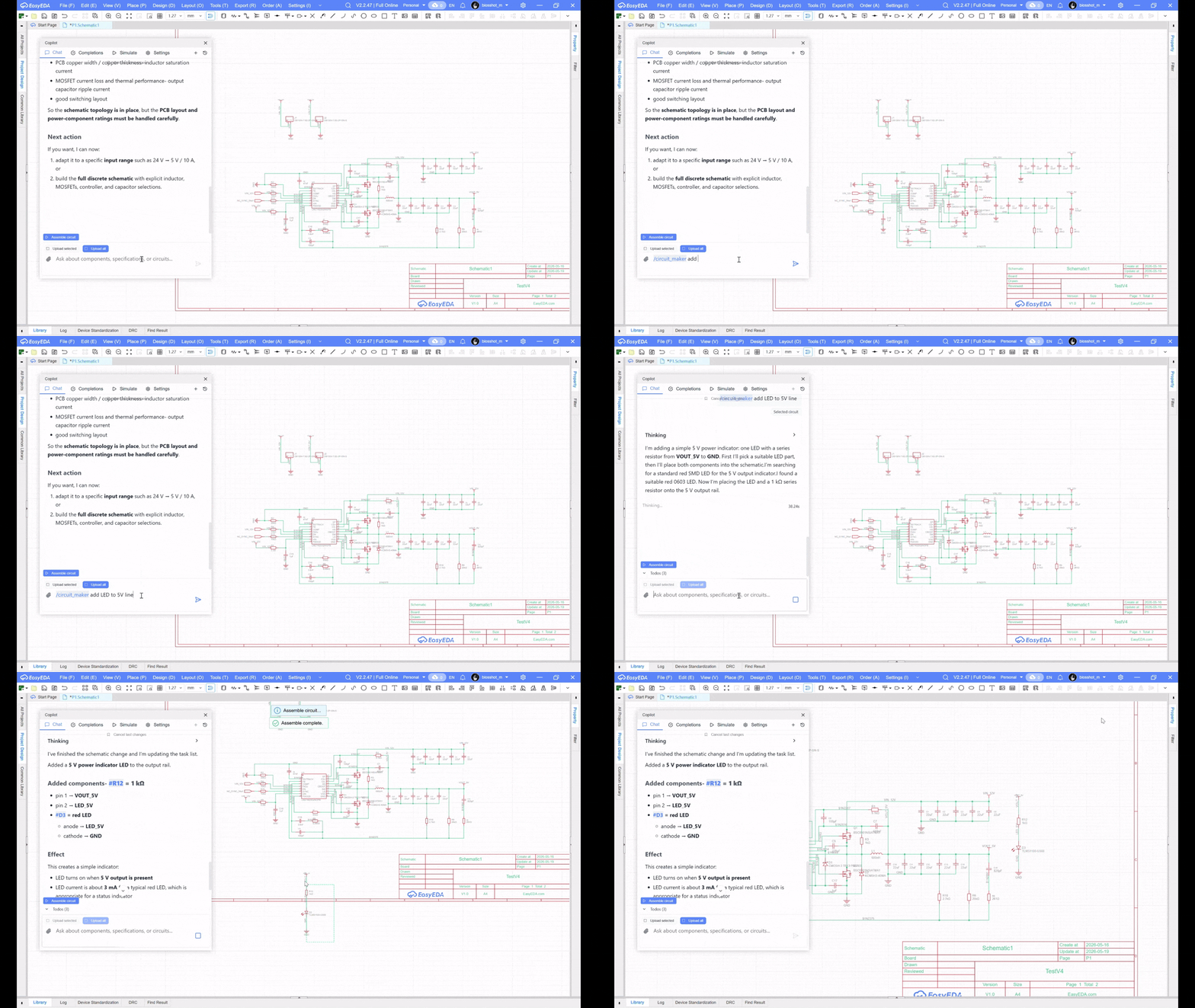
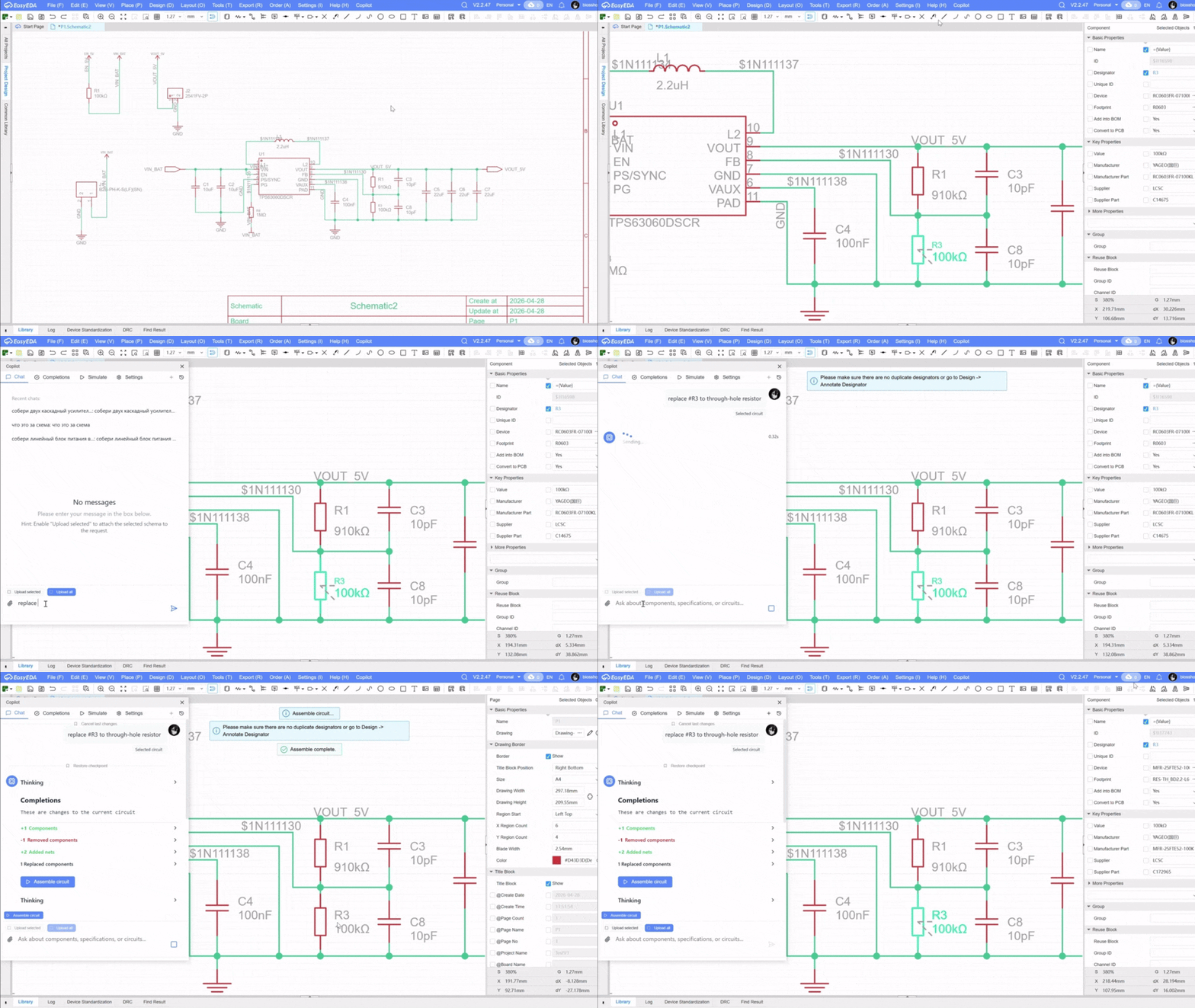
Circuit completions
Use Copilot on an existing schematic fragment. Ask it to complete a missing block, add components, connect signals or propose changes based on selected circuit context.
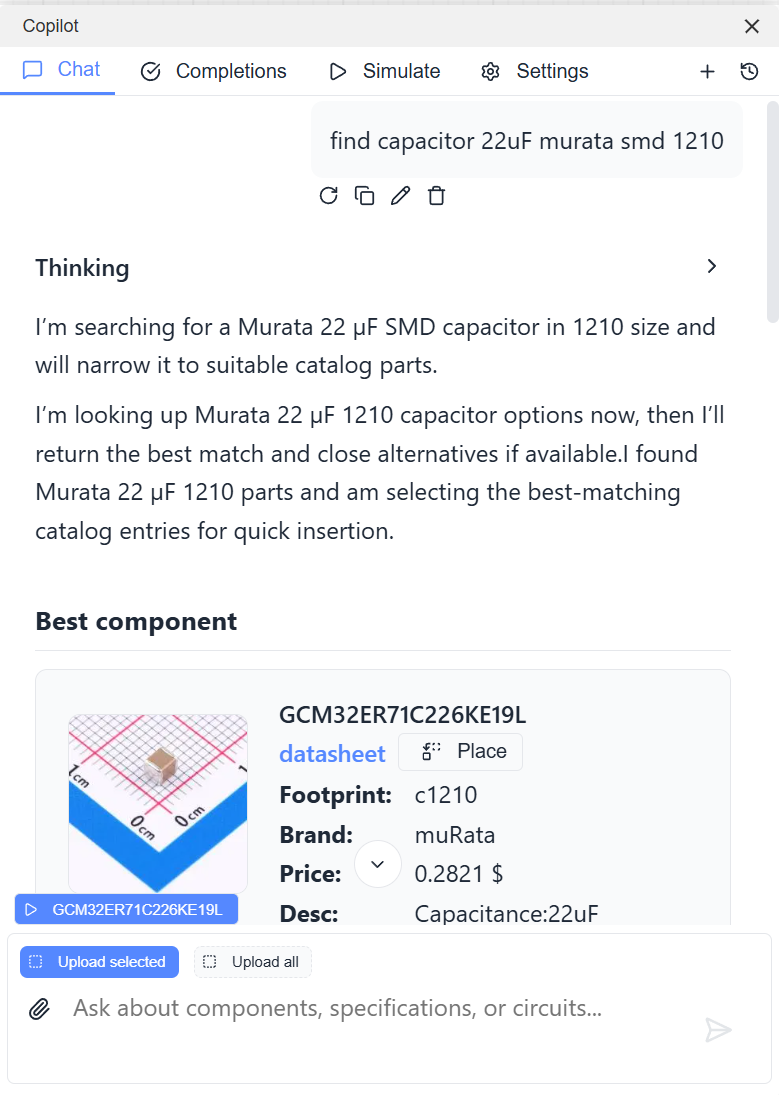
Component selection
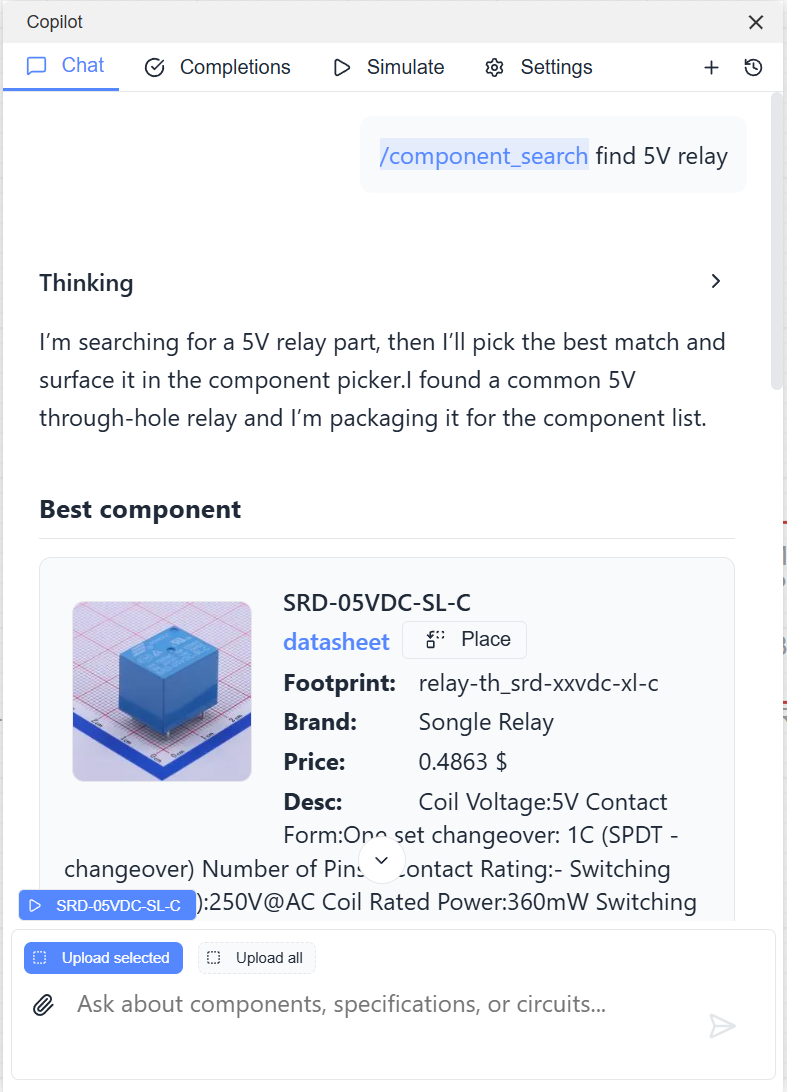
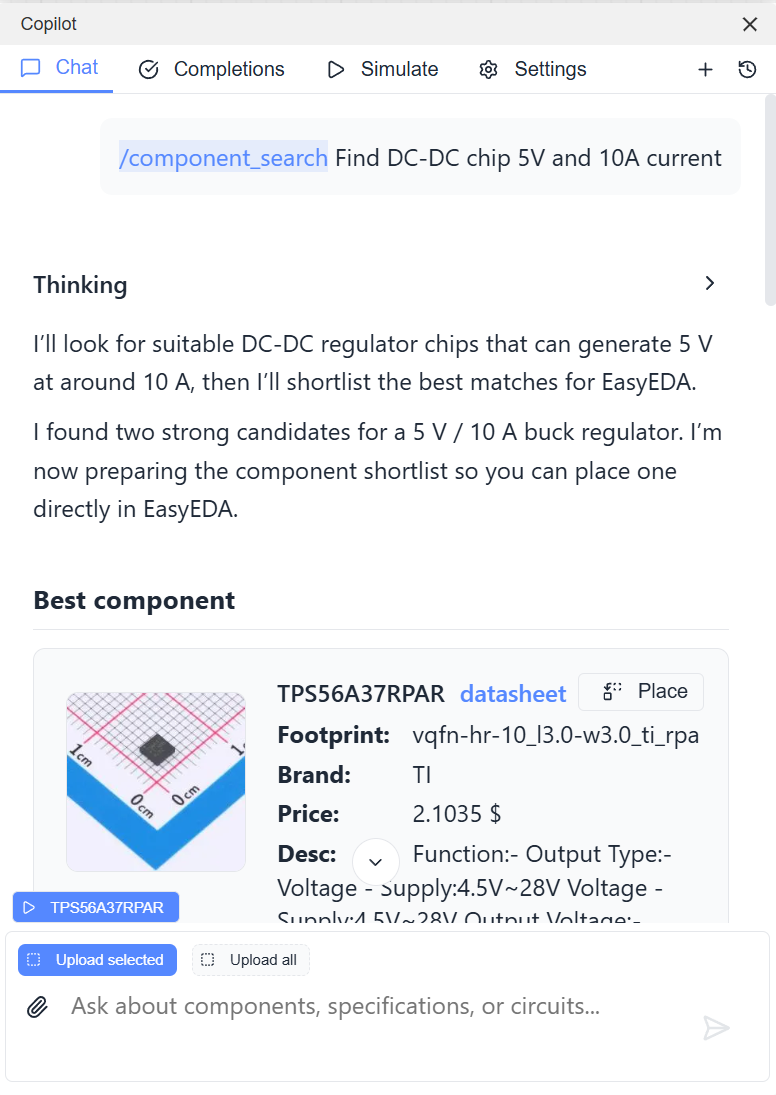
Search LCSC by intent instead of manually tuning catalog filters. Examples:
find 5V relayFind DC-DC chip 5V and 10A currentfind capacitor 22uF Murata SMD 1210
Reusable blocks
Reusable blocks are reviewed schematic fragments that the agent can adapt and insert into generated circuits. They are useful for standard subcircuits where the topology stays stable and only ports or passive values change.
See Reusable blocks documentation.
SPICE simulation
Copilot can run SPICE simulations and automatically select models from a component model library.
Always verify the SPICE models used for replacement components. The selected models are shown below the graph after simulation.